A backorder is an order for a good or service that cannot be filled immediately because of a lack of available supply. Backorders give insight into a company’s inventory managem…
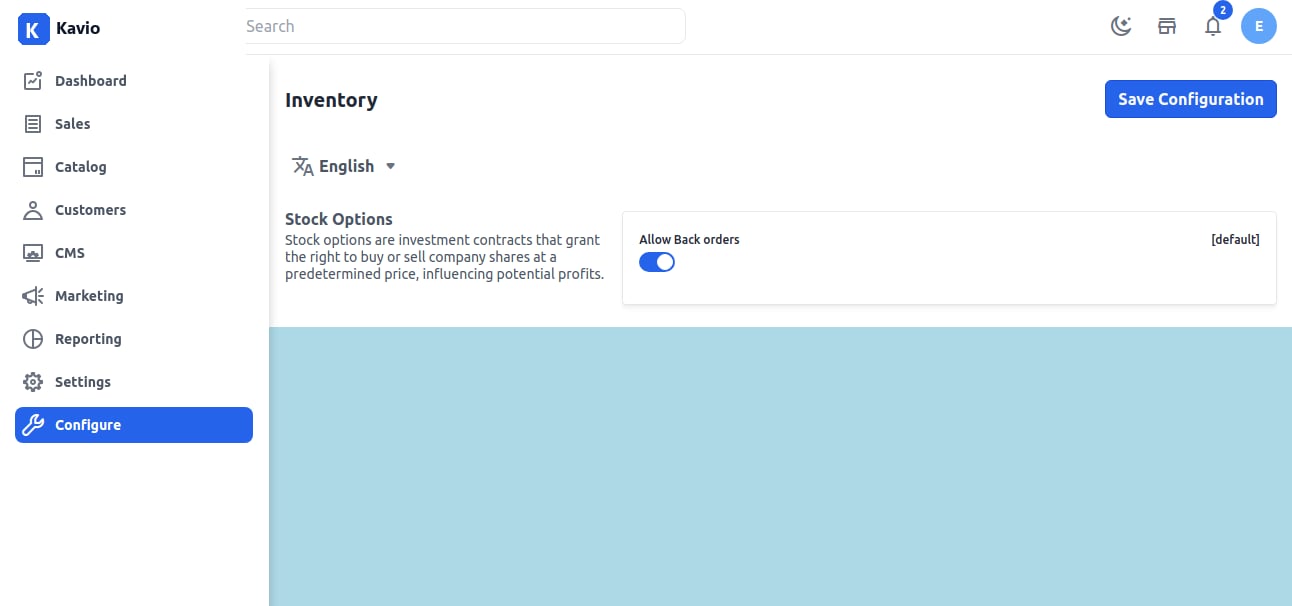
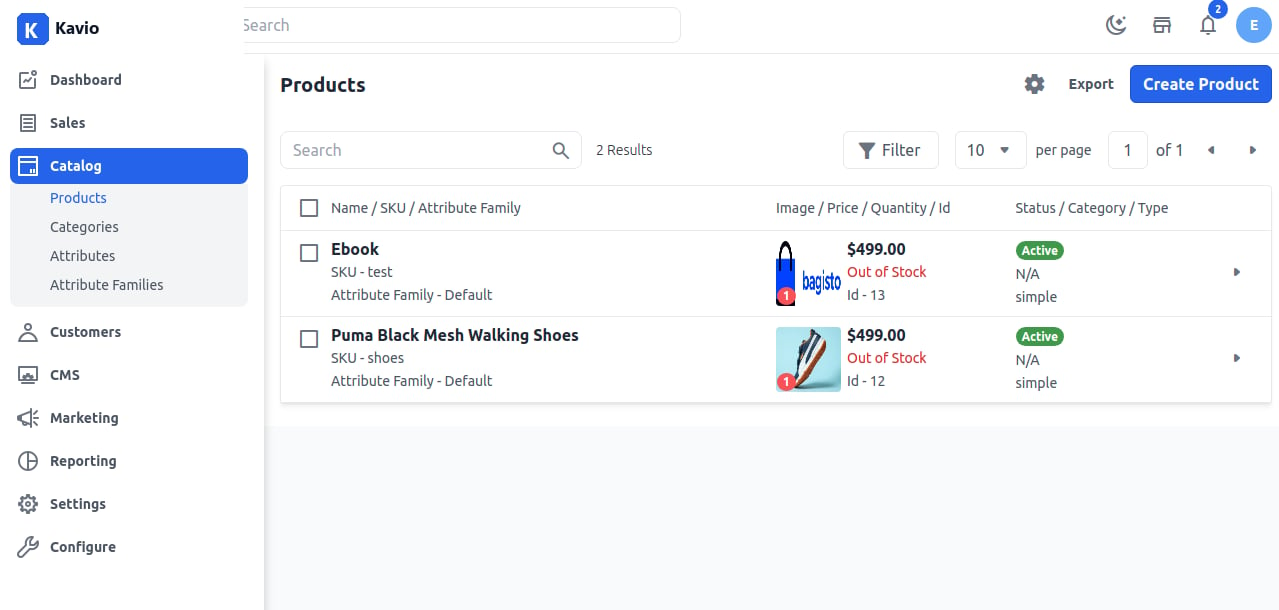
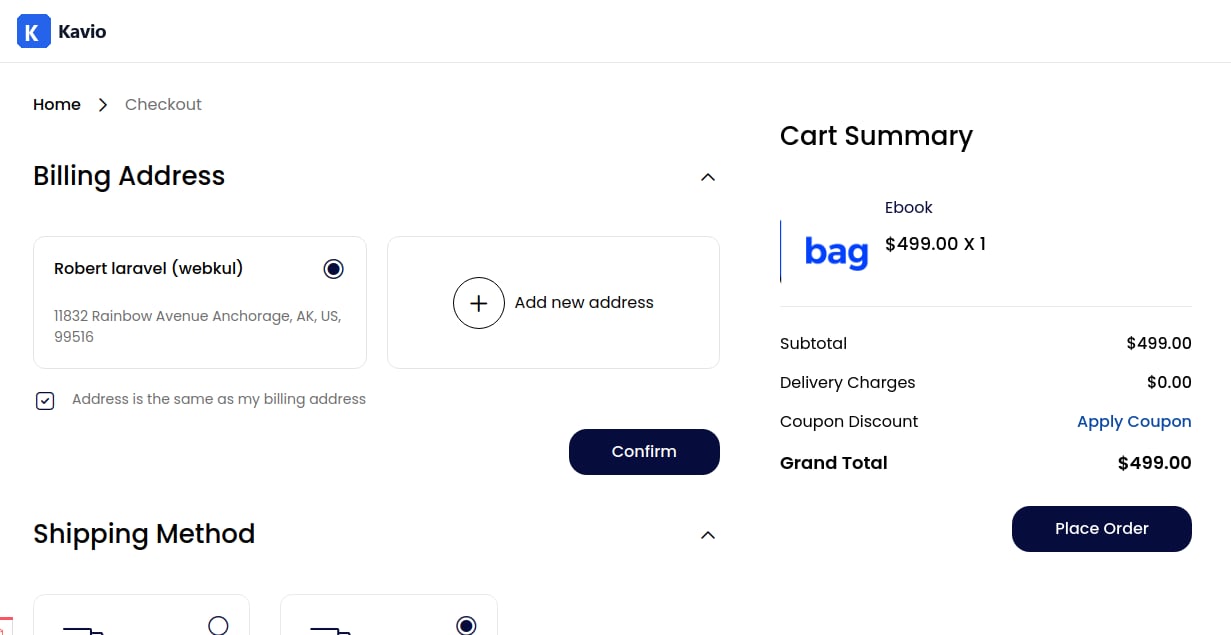
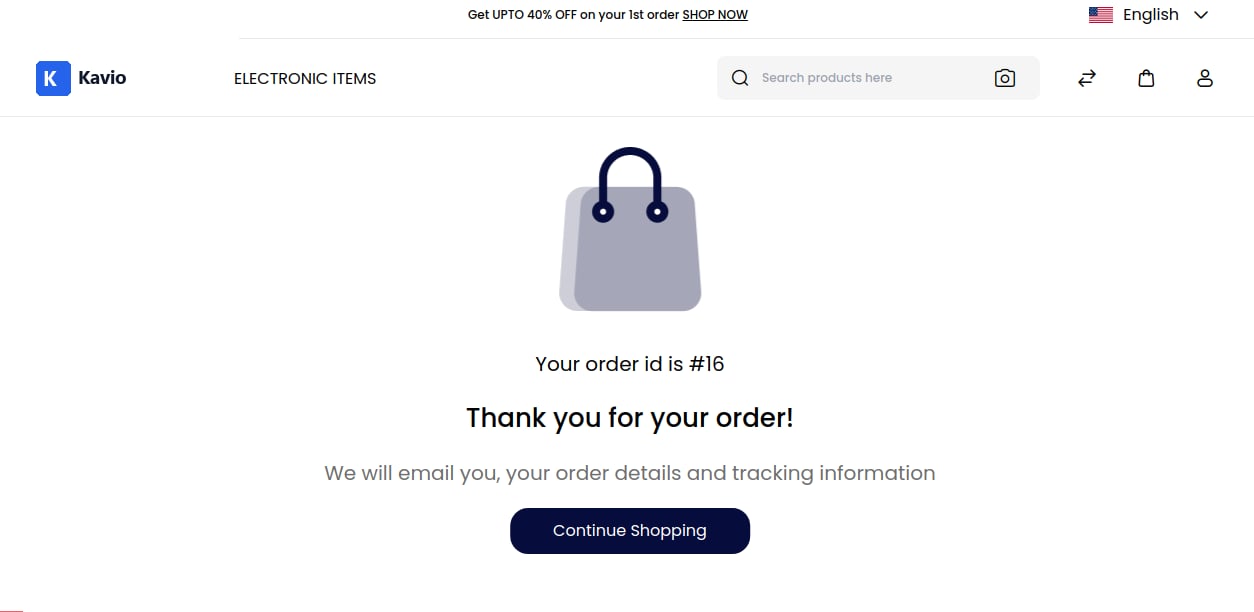
A manageable backorder with a short turnaround is a net positive, but a large backorder with longer wait times can be problematic.You can easily manage Backorders by going to the Admin Panel and clicking on Configure >> Inventory.There is an option present to Enable or Disable a Backorder and then click on Save Configuration as shown below.Note:- If the product is Out of Stock then also the customer is able to Place an Order after Enabling the Backorder OptionIn the above image these products are Out of Stock but you can still able to Add the product to the Cart and Place an Order.