Shopping Cart
Enable guest checkout, cart page, cross-sell products, and estimated shipping to enhance user convenience and streamline the shopping process for increased sales.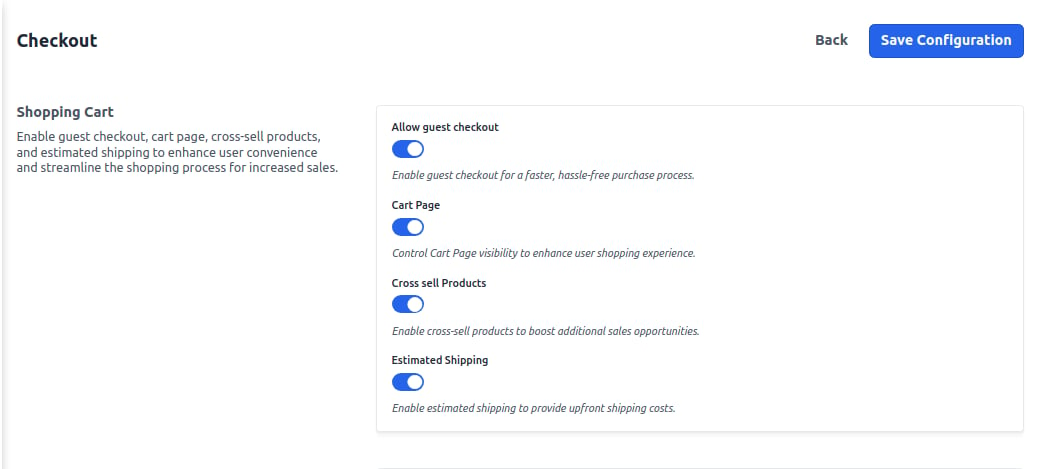
My Cart
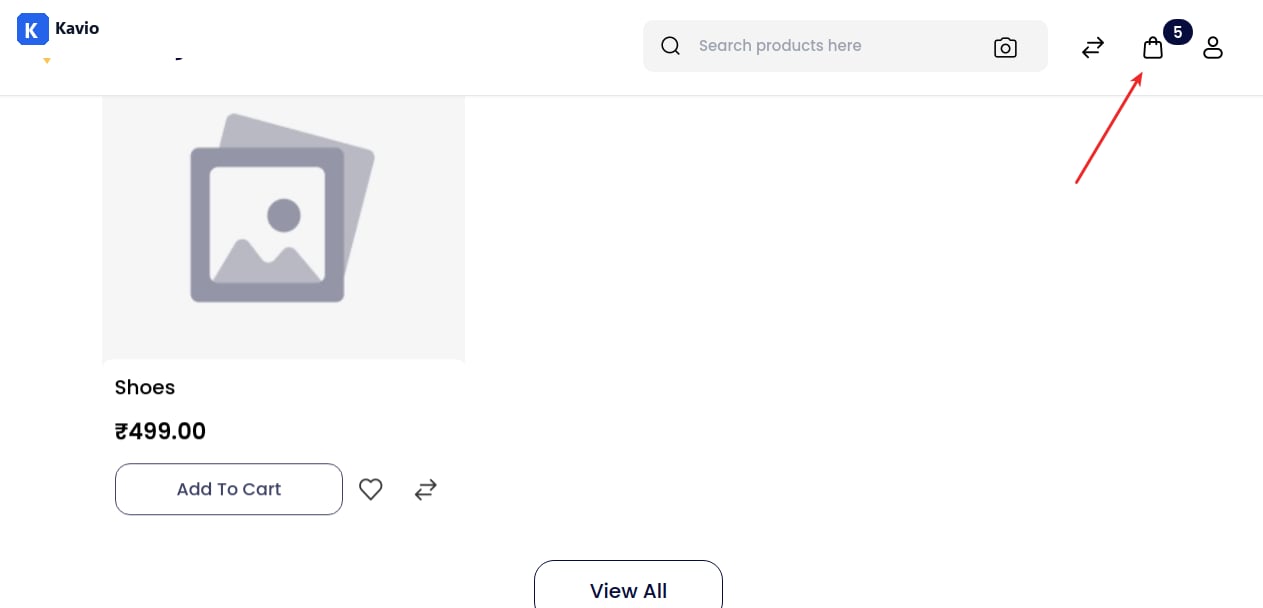
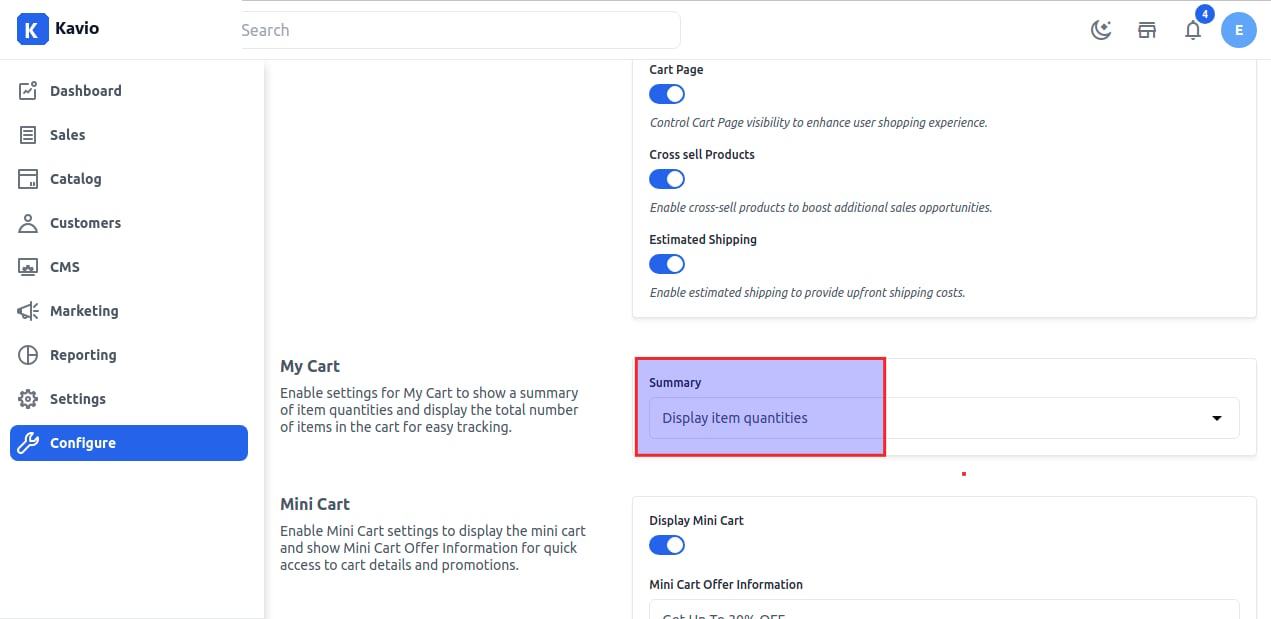
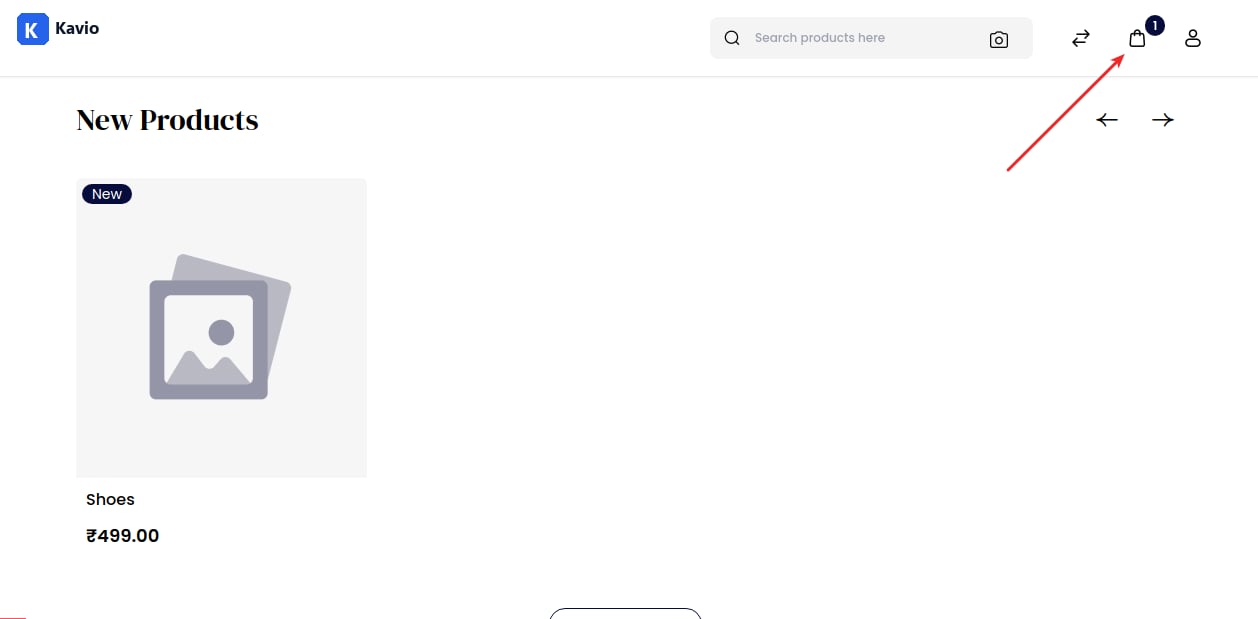
Enable settings for My Cart to show a summary of item quantities and display the total number of items in the cart for easy tracking. In this, we provide two options: A) Display numbers of items in cart - Select Display number of items in cart option and then click on Save Configuration button.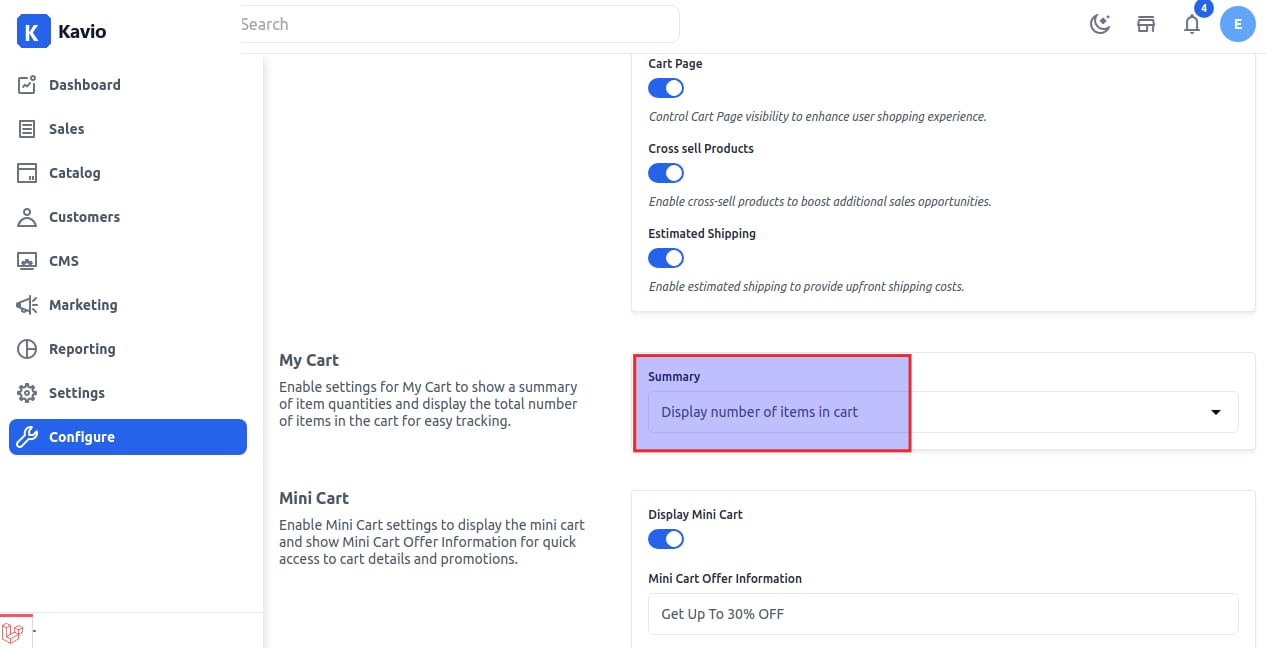
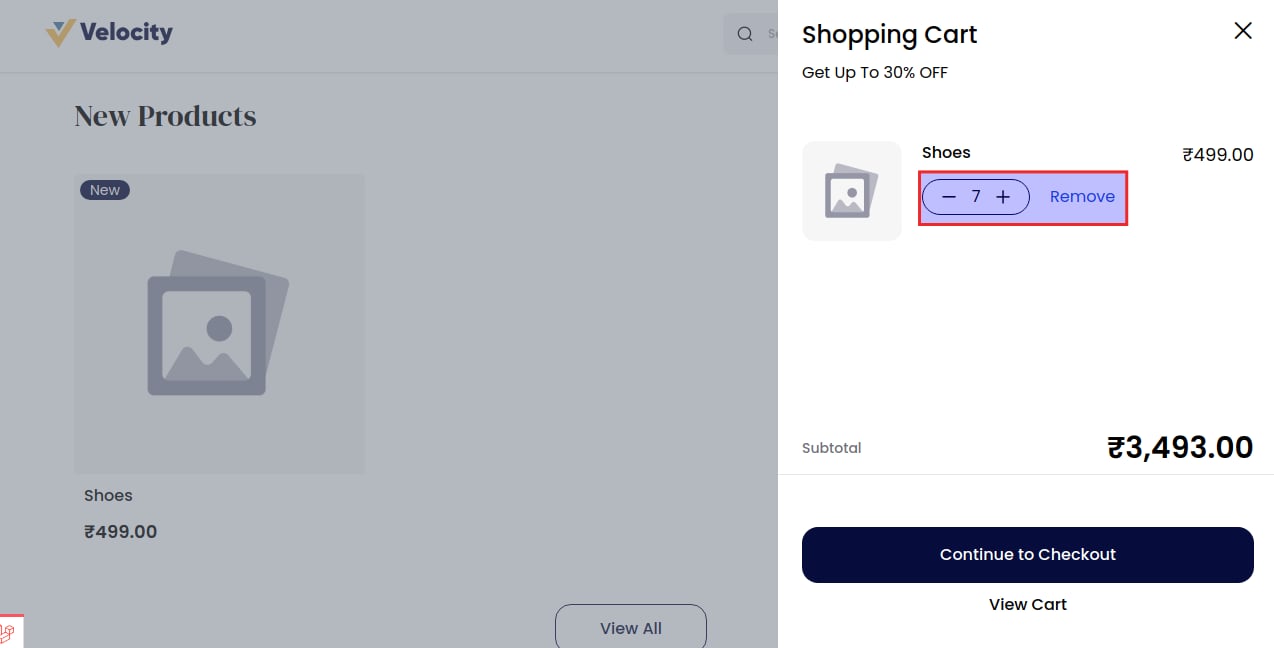
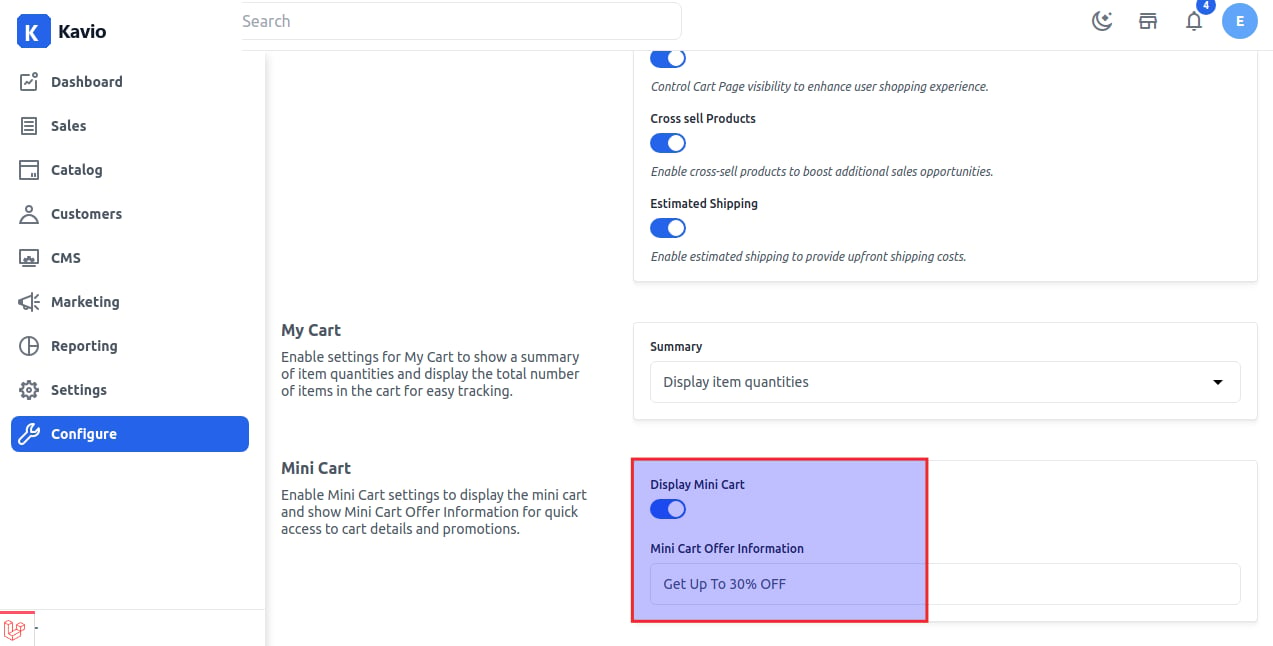
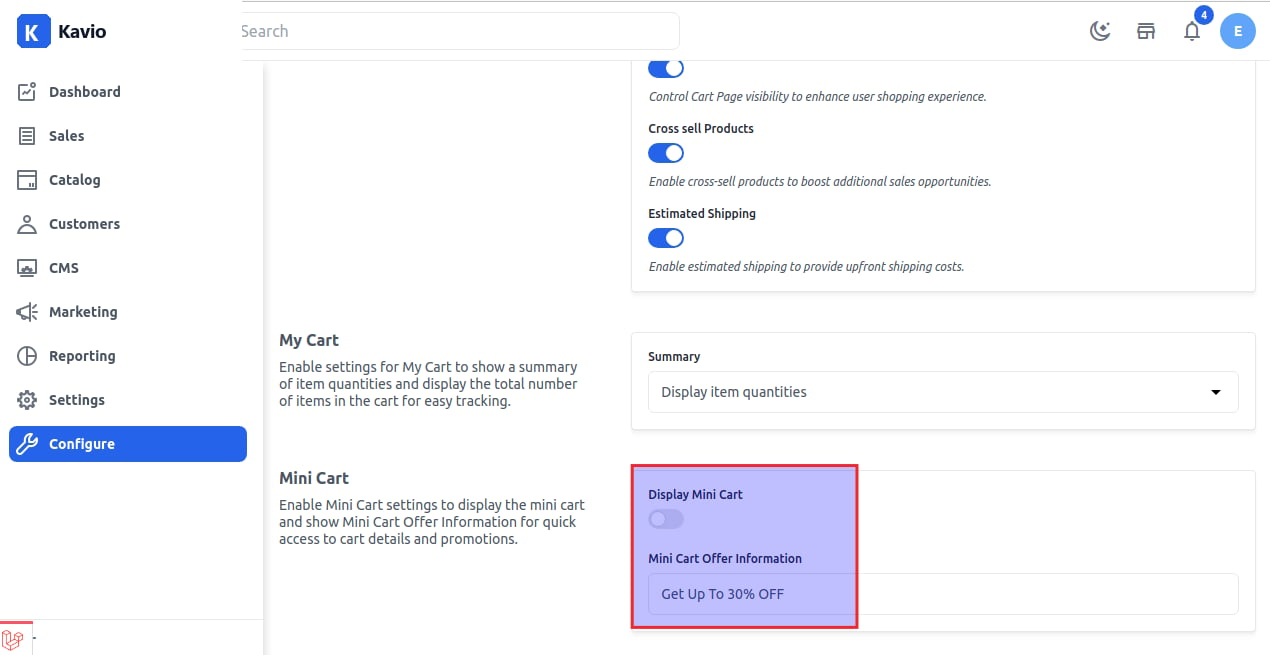
Mini Cart
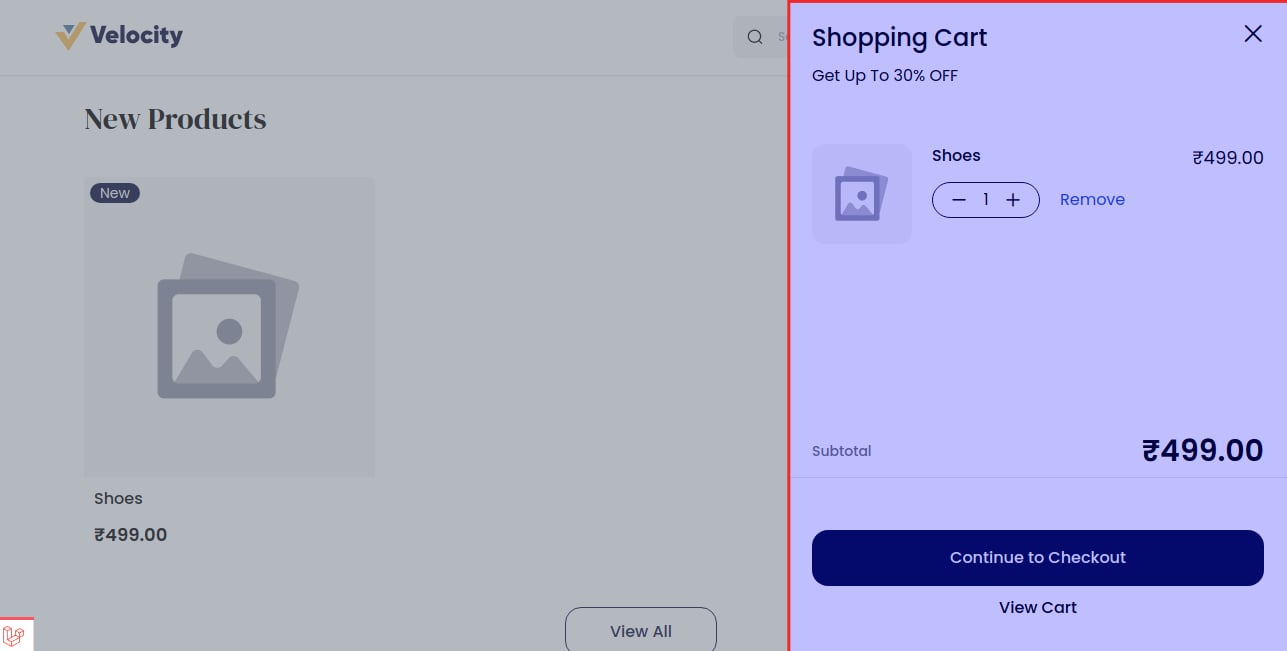
Mini Cart is the option where you can see the information after adding the product to the cart. To enable mini cart settings, go to Configure >> Checkout >> Mini Cart. You can also add a mini cart offer information message as shown in the image below.