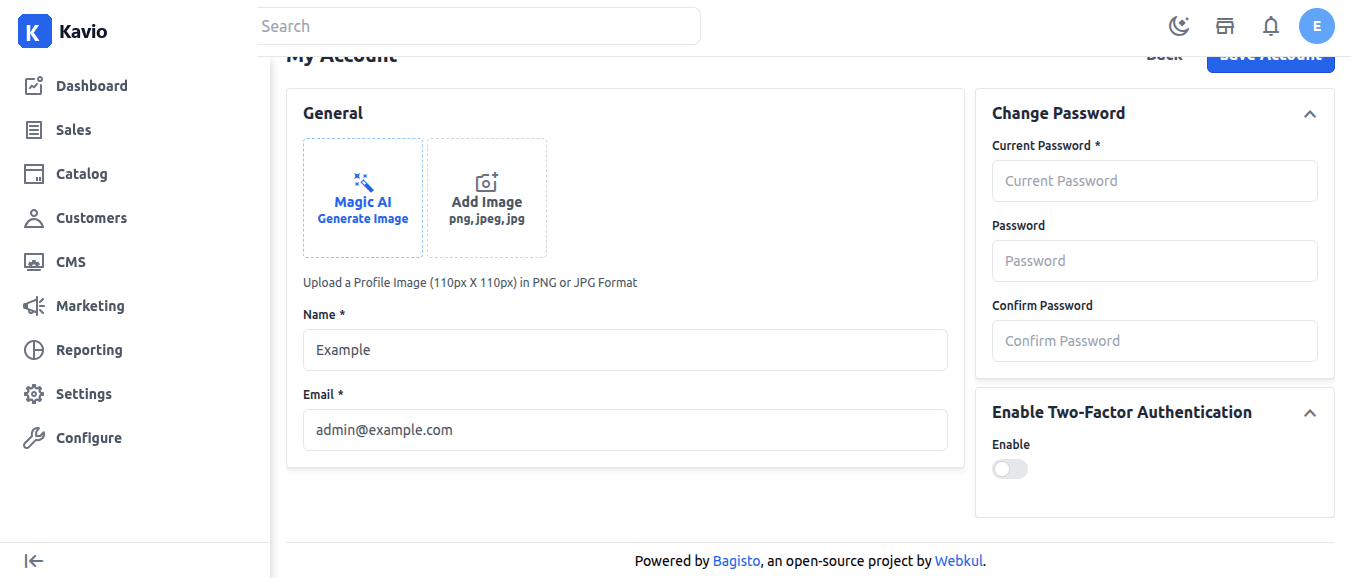
Steps for Two Factor Authentication (2FA)
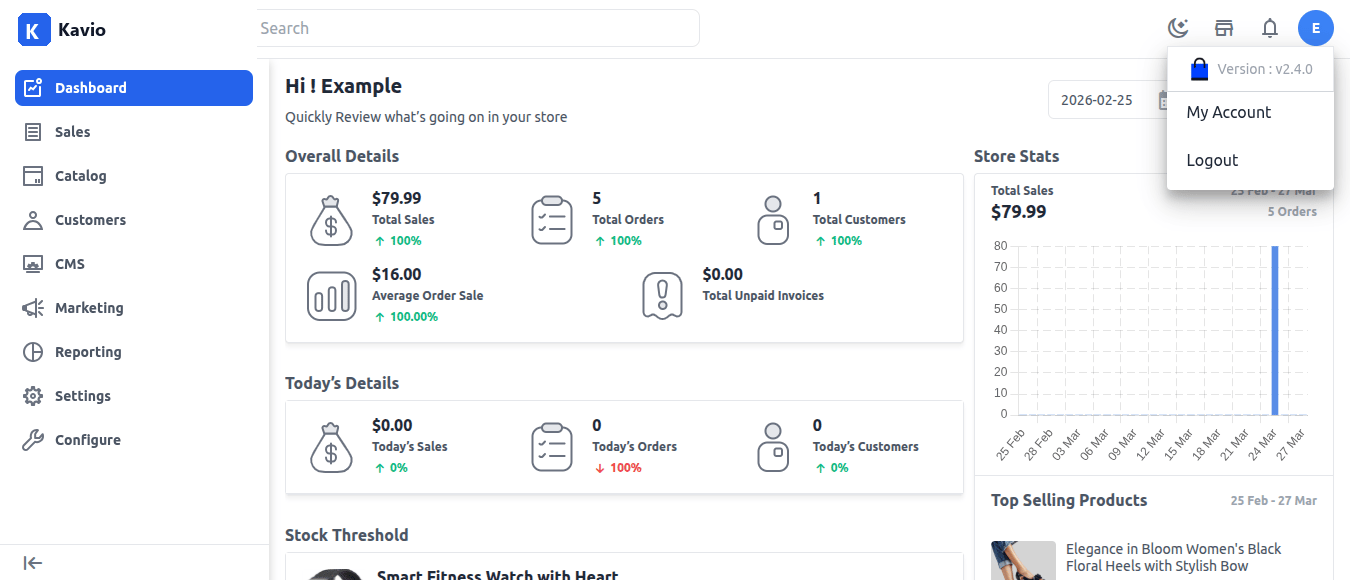
Step-1 First, you need to log in to the Kavio Ecommerce admin panel using your credentials (username and password). After logging in, you will be redirected to the dashboard. On the dashboard, you will find your account section in the top-right corner. From there, you can access your account details or log out of the admin panel. Click on it and select My Account to proceed. For your reference, an image is provided below.