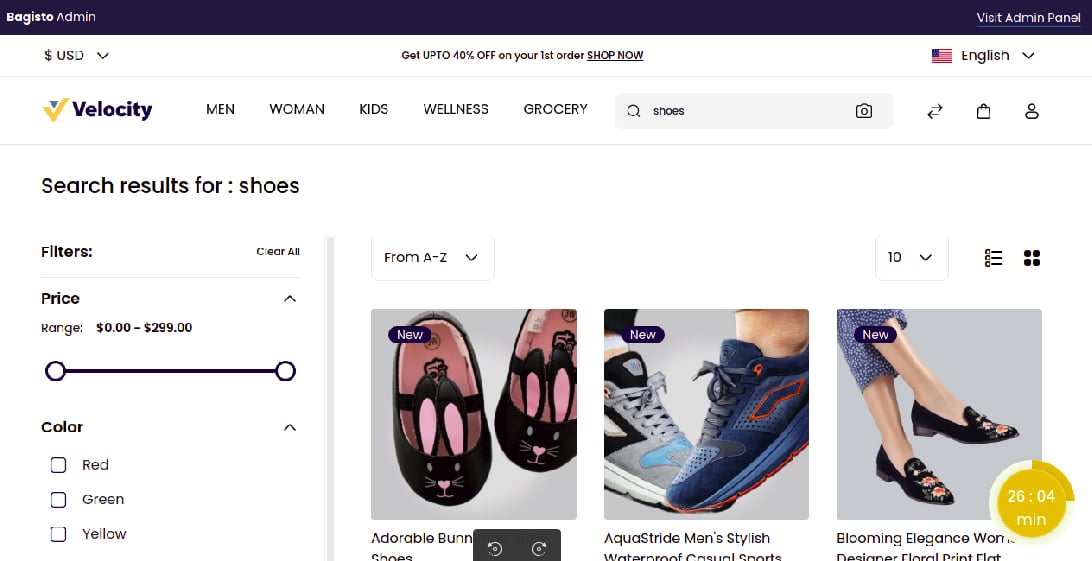
Step 1: Create Search Term
On the Admin panel, go to Marketing >> Search & SEO >> Search Terms and click on the Create Search Term button as shown in the below image.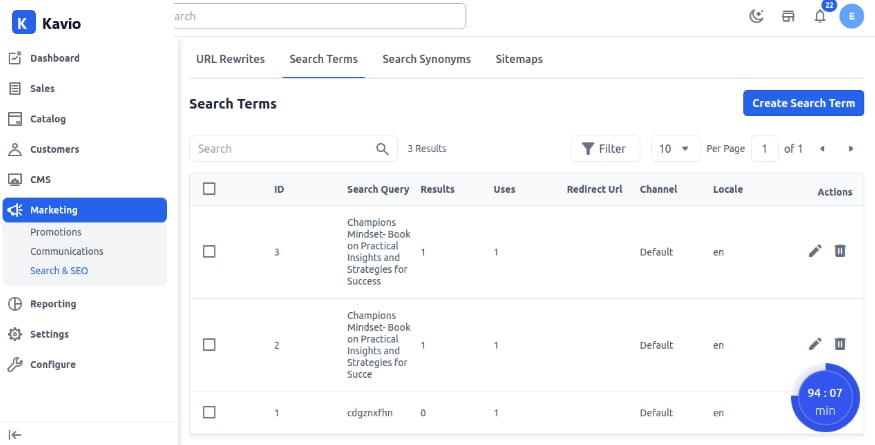
Step 2: Add Search Term Details
Fill in the following fields:- Search Query – Enter the product name or keyword that a customer will search from the storefront.
- Redirect URL – Add the URL that the search term will redirect to.
- Channel – Select the channel where the Search Term will be visible.
- Locale – Select the language in which you want the Search Term.
Step 3: Verify Search Term
A new search term (for example, Adorable) is created successfully as shown below.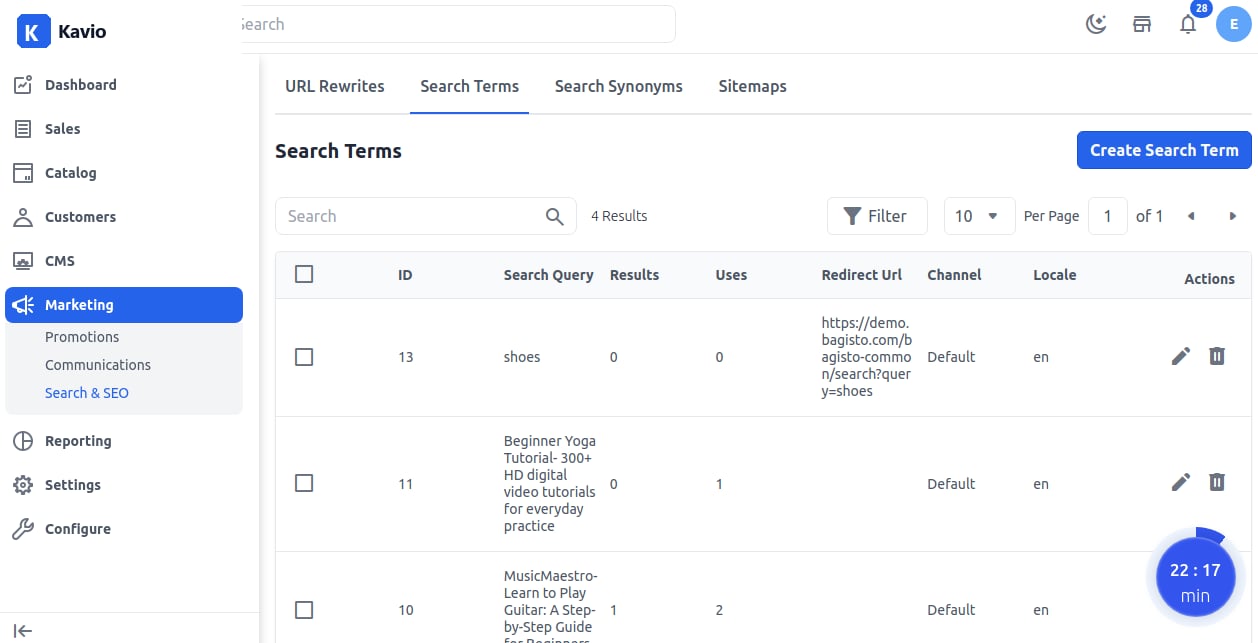
Step 4: Frontend Check
Now test the result by searching your search term on the storefront.