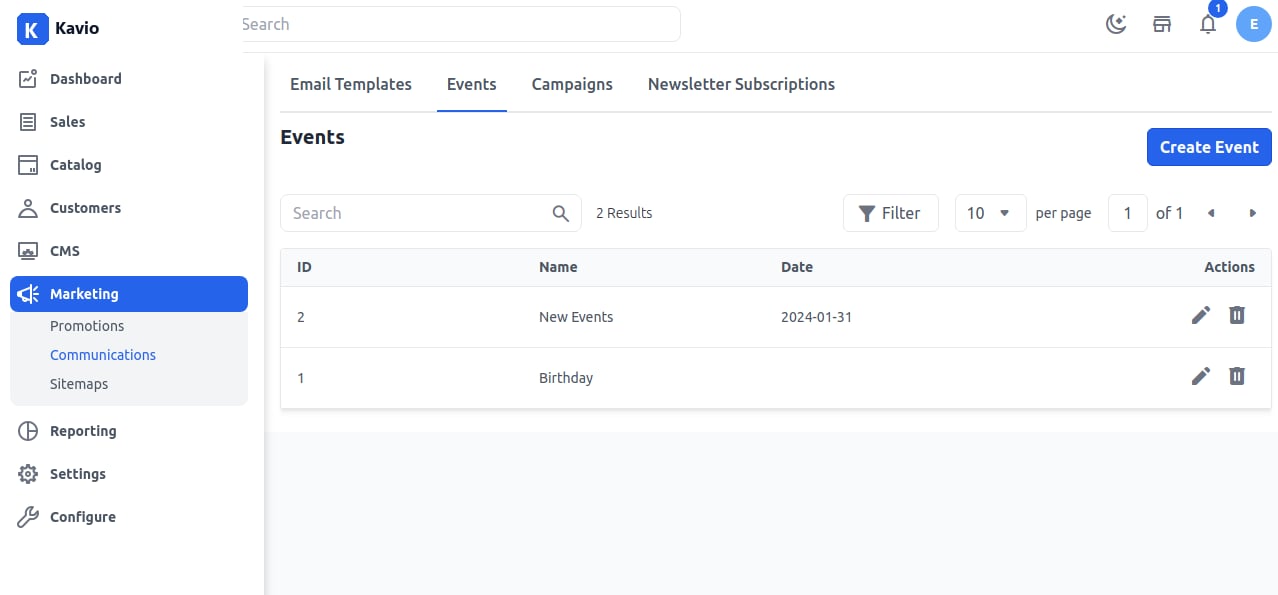
Step 1: Add Event
On the Admin panel, go to Marketing >> Communications >> Events and click on Create Event as shown in the below image.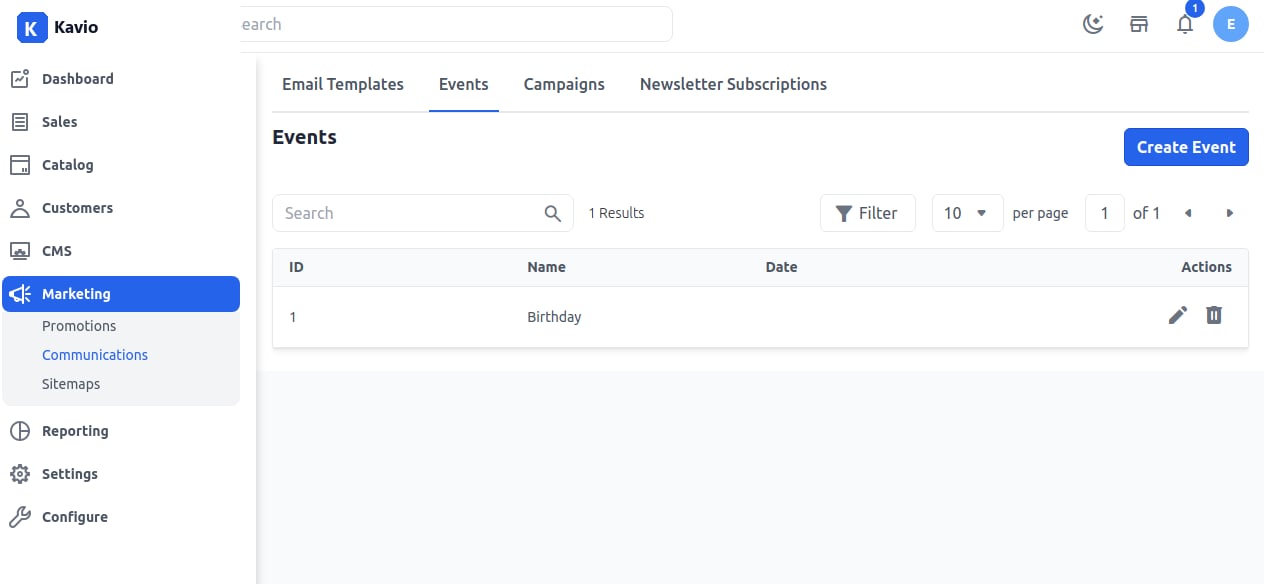
Step 2: Enter Details
Now add the Event Name, Description, Date as shown in the below image.Step 3:
Now you will be able to see the new Event as shown below.