Step 1: Add New Sitemap
On the Admin panel, go to Marketing > Search & SEO > Sitemaps and click on Create Sitemap as shown below.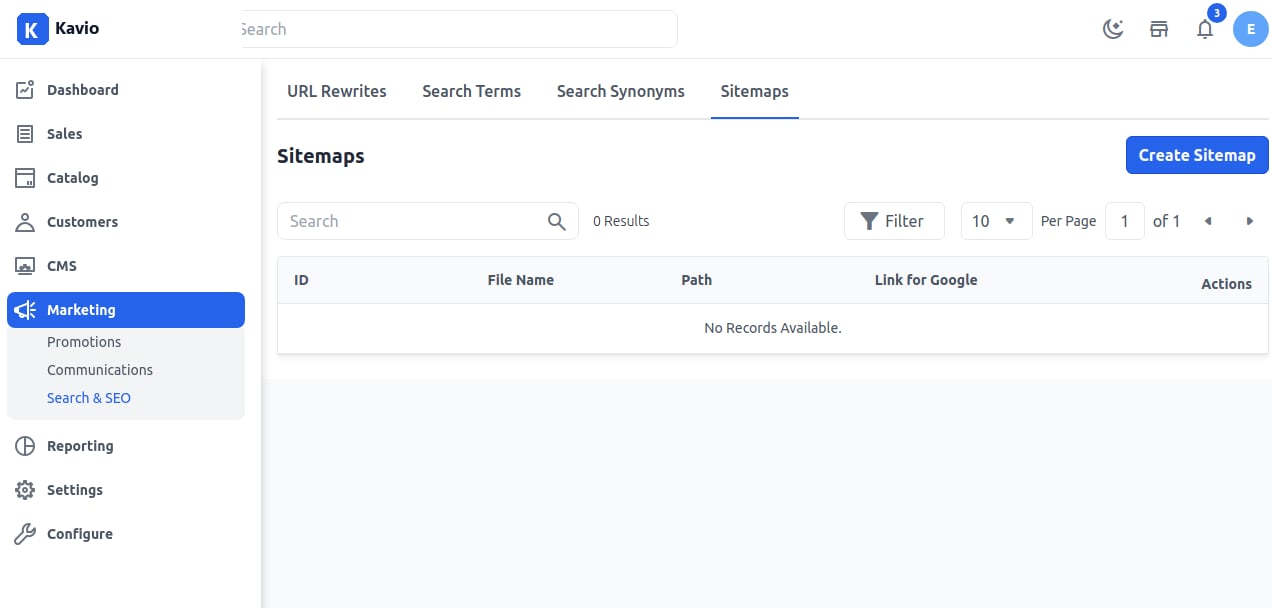
Step 2: Configure Sitemap
Add the File Name and File Path, then click the Save Sitemap button. Make sure you have created an XML file and mentioned its correct path as shown below.Step 3: View Sitemap
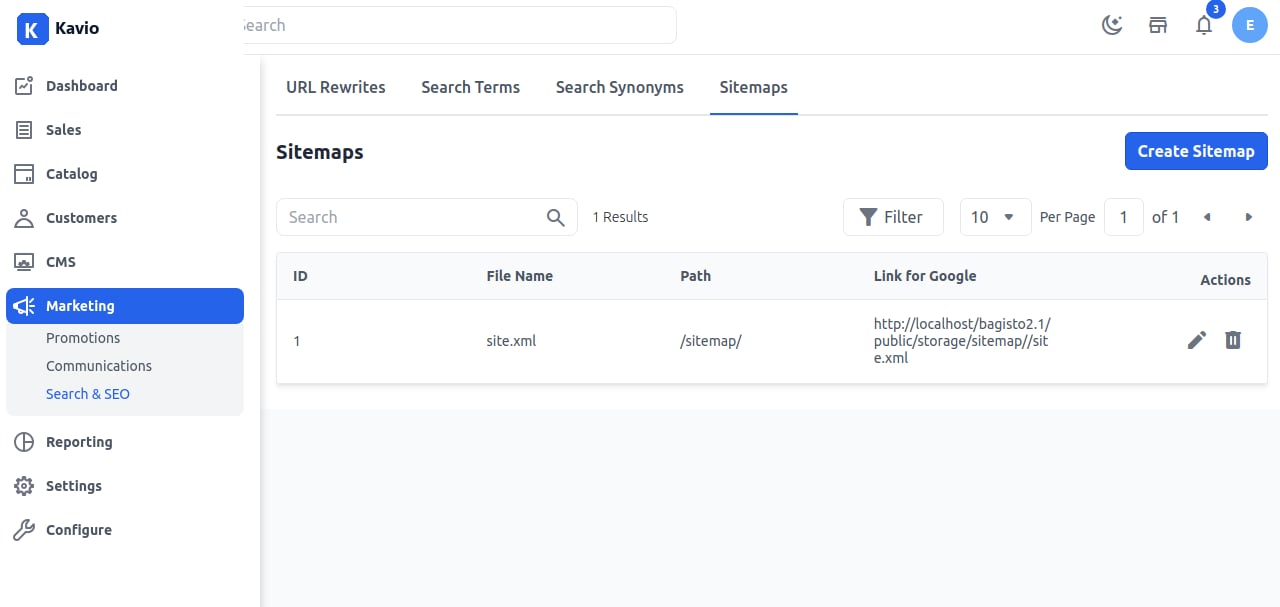
Now you will be able to see the newly created Sitemap as shown below.