Email marketing is one of the most powerful tools for your website. This feature allows you to communicate with your customers in bulk about upcoming offers of your stores such as Black Friday sales, Christmas sales, and New Year offers.

Admin Configuration

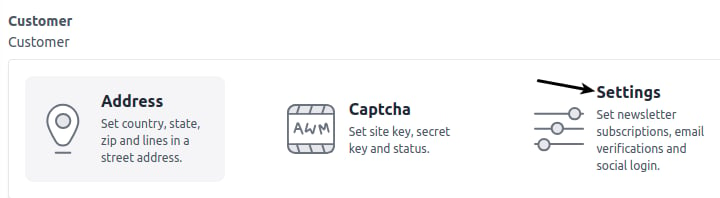
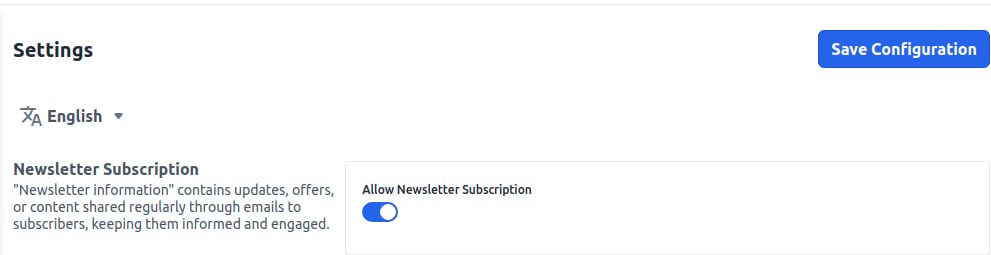
Step 1) Firstly the admin can navigate to Configure >> Customer >> Settings Newsletter Settings Step 2) Now Enable the Newsletter Subscription and click on Save Configuration button as shown in below image. Enable Newsletter
Newsletter Subscriptions

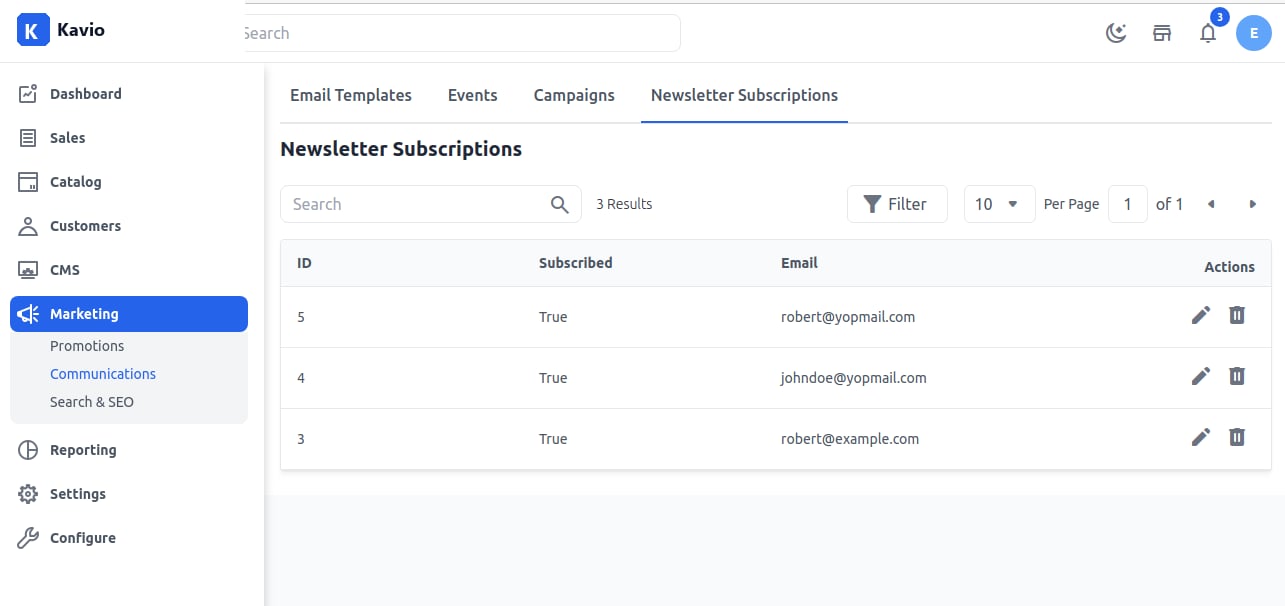
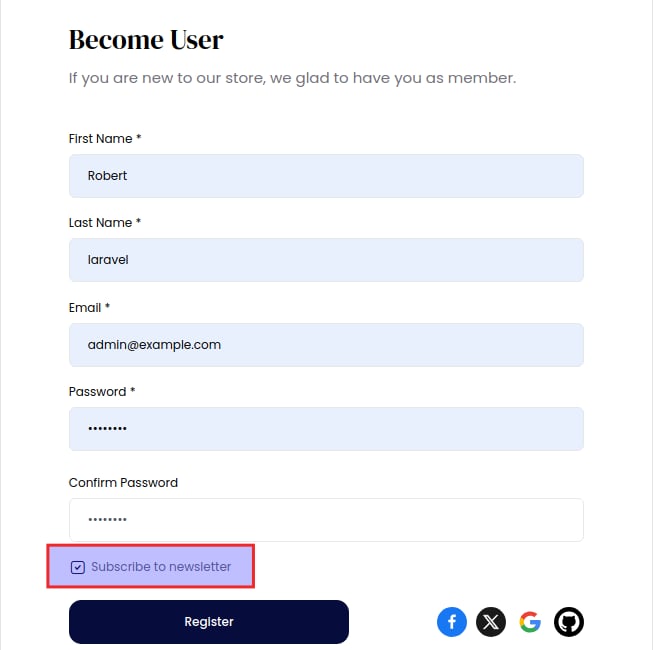
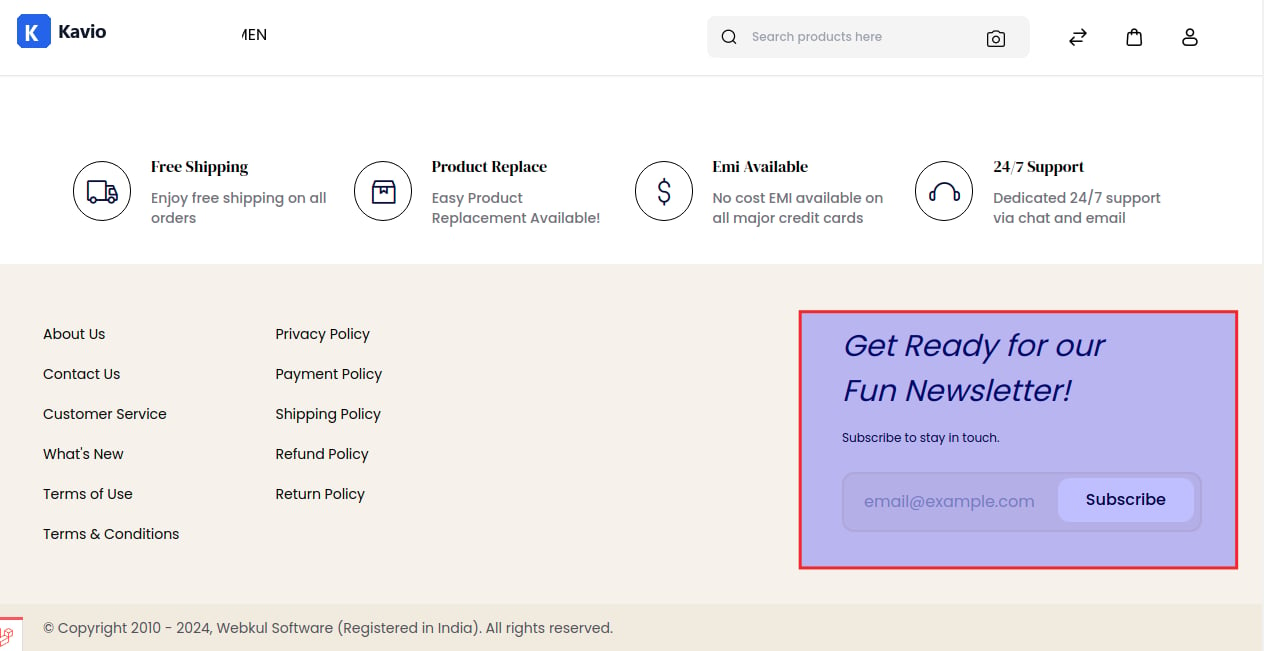
Here the admin can see all their customers who subscribed to the newsletter subscription. Also, the admin will navigate to Marketing >> Communications >> Newsletter Subscriptions as shown in the below image. Newsletter Grid Step 3) After all the configuration you need to run the command under your project root to send the emails as below : php artisan campaign:process Customer Configuration Now it’s time to see about our store customers from where they can subscribe to the newsletters. The customers can subscribe to the newsletter during the sign-up and once the customer is done with the sign-up, they can easily see all the kinds of the offer. Newsletter Also, the customer can subscribe to the newsletter from the Homepage at the footer side as shown in the below image. news