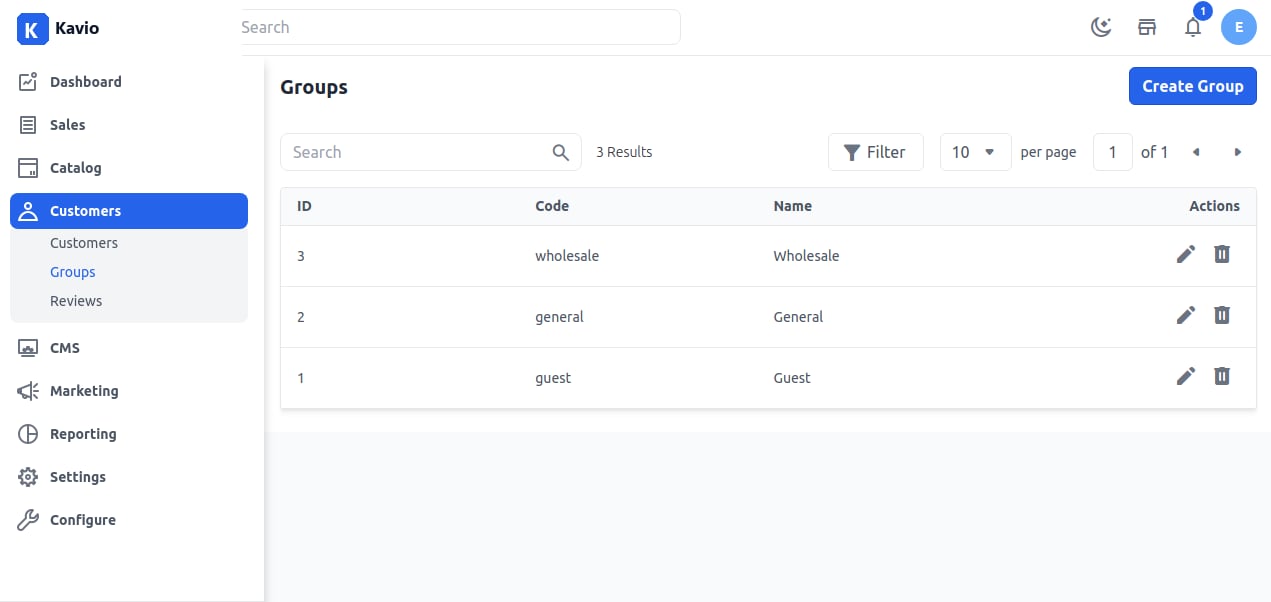
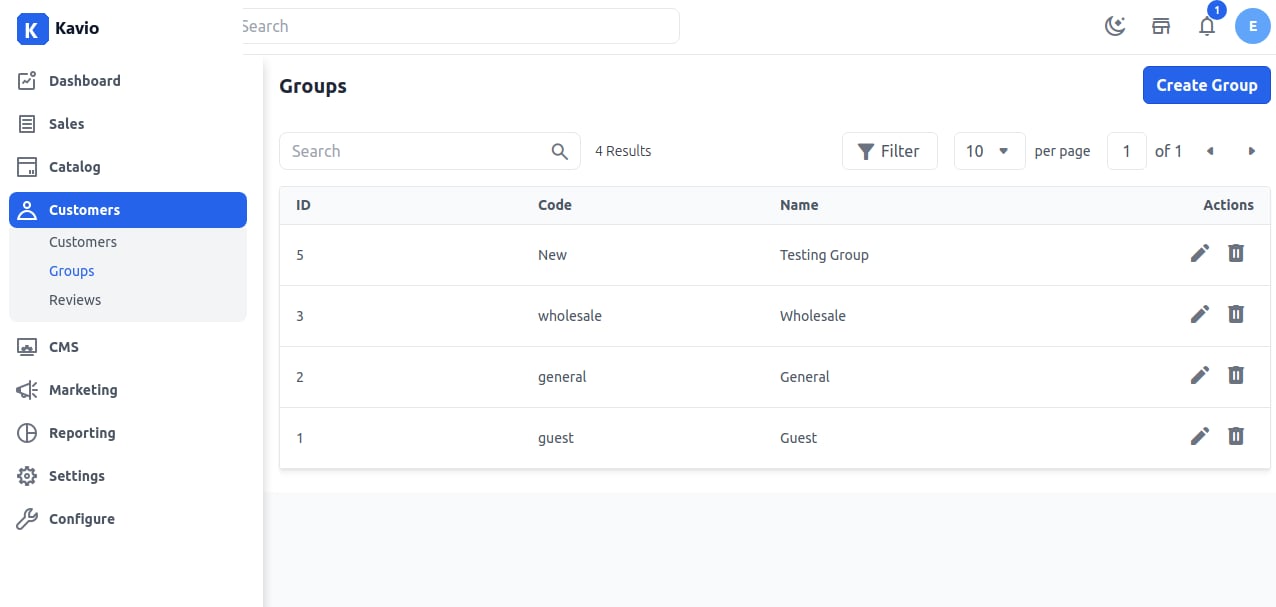
Wholesale Group
Wholesale customers usually have access to products or bundles of products not available to retail customers, and they often have a discount on the products they buy. Both of these can be set up by using the Customer Groups feature. To restrict wholesale products from retail customers, you will first need to create a category specifically for those products. Then, you will need to segment your customers, so that only wholesale customers can view those products.Guest Group
The Guest group is the only one that can apply to guests and cannot be edited or deleted. A non-logged-in group also falls under this guest group.General Group
The general customer group refers to customers who are not defined as Professional Customers and don’t want to order products in bulk.To create a new customer group in Kavio Ecommerce follow the below steps:
Step 1: Login to the admin panel of Kavio Ecommerce and go to Customers >> Groups. By default, there are three customer groups. To create a new group, click on the Create Group button as shown below.