The storefront serves as the customer-facing component of an online store, featuring product displays, category listings, and intuitive navigation to ensure a smooth and enjoyab…
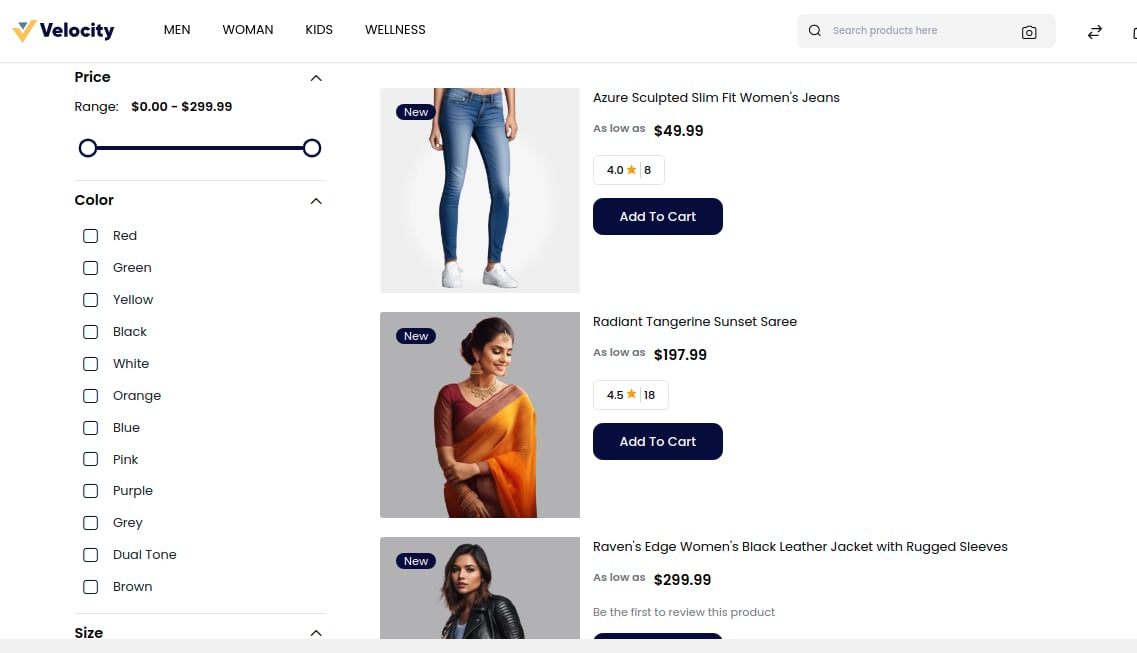
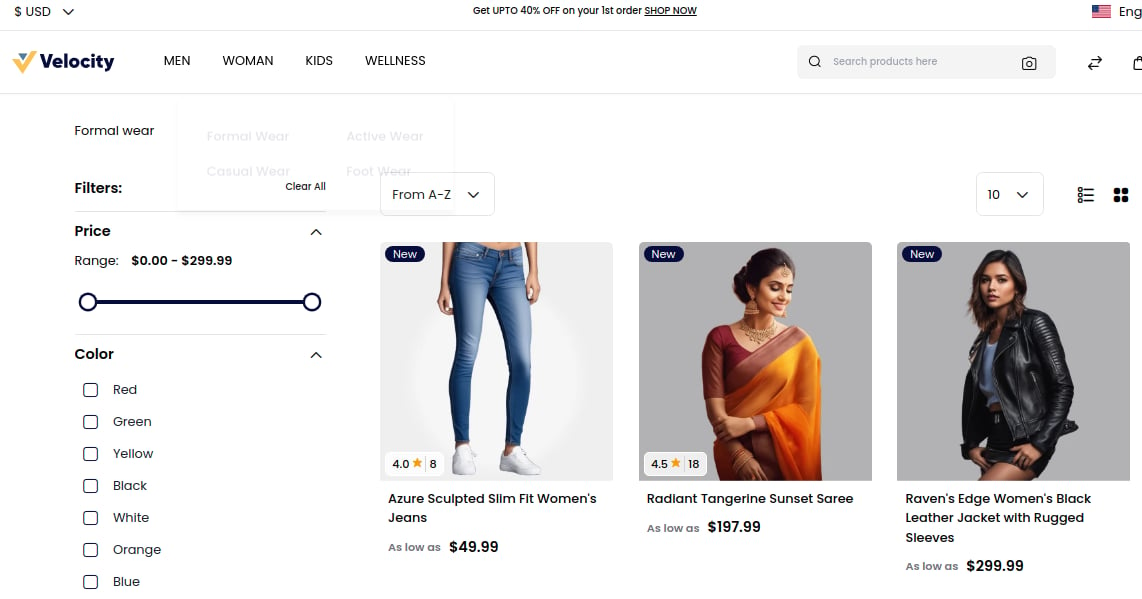
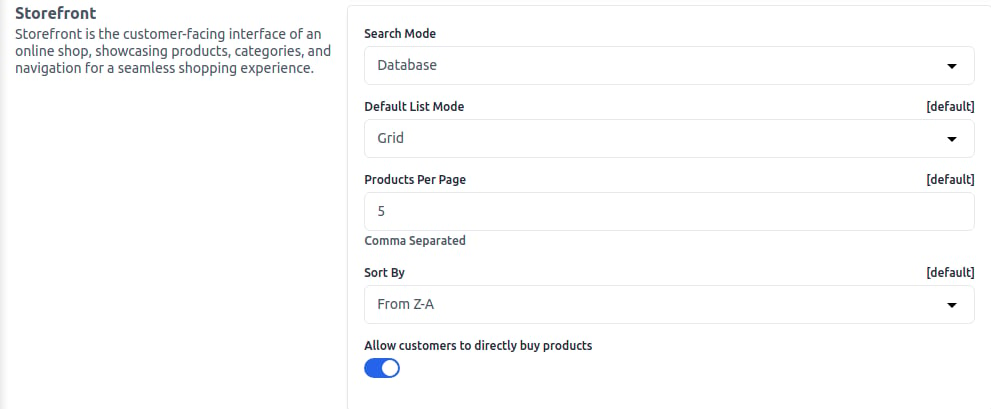
To add, go to Admin Panel and click on Configure >> Products >> Storefront.1. Search Mode: Select the search mode by Database or Elasticsearch as per your requirements.A) Elastic Search – When you have a large number of products on your website, searching can be slow. Elastic Search mode enables fast product search.B) Database – Recommended for websites with a small number of products; use the database option for search mode.2. Default List Mode: Manage how your products are visible on the storefront; select from the dropdown Grid or List.
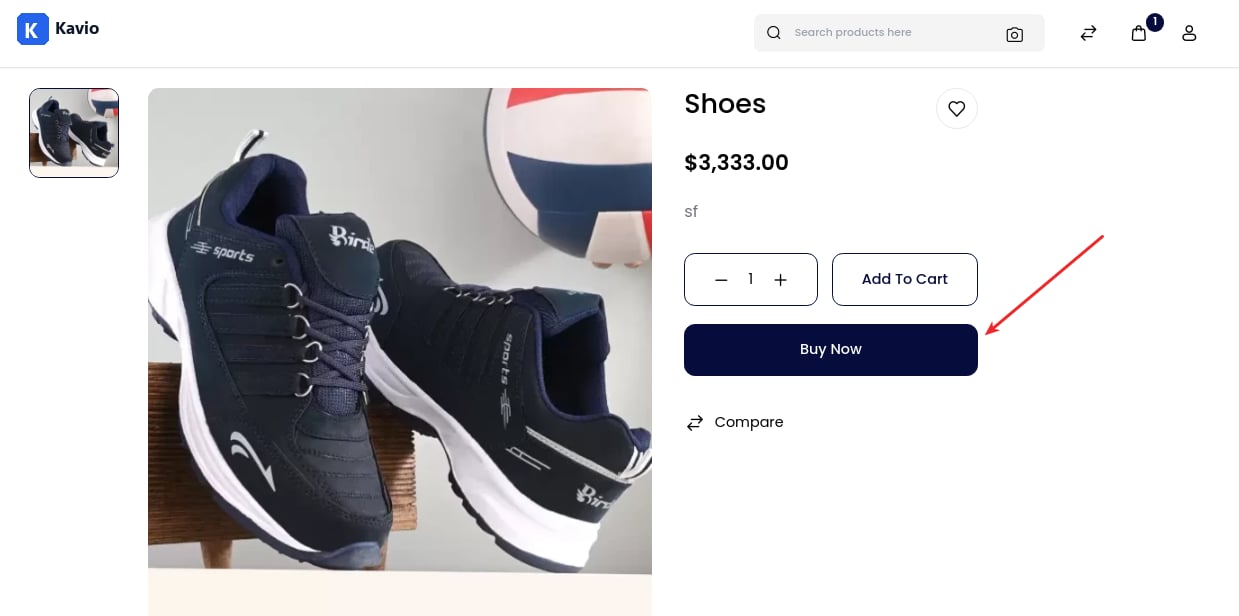
3. Products Per Page: Enter the number of products visible per page on the storefront.4. Sort By: Select a sort-by option from the dropdown according to your requirements.5. Buy Now Products: Select from the Enable/Disable option as required. Once enabled, it will be visible on the product detail page.After that, click on the Save Configuration button.