Documentation IndexFetch the complete documentation index at: /llms.txtUse this file to discover all available pages before exploring further.
Fetch the complete documentation index at: /llms.txt
Use this file to discover all available pages before exploring further.
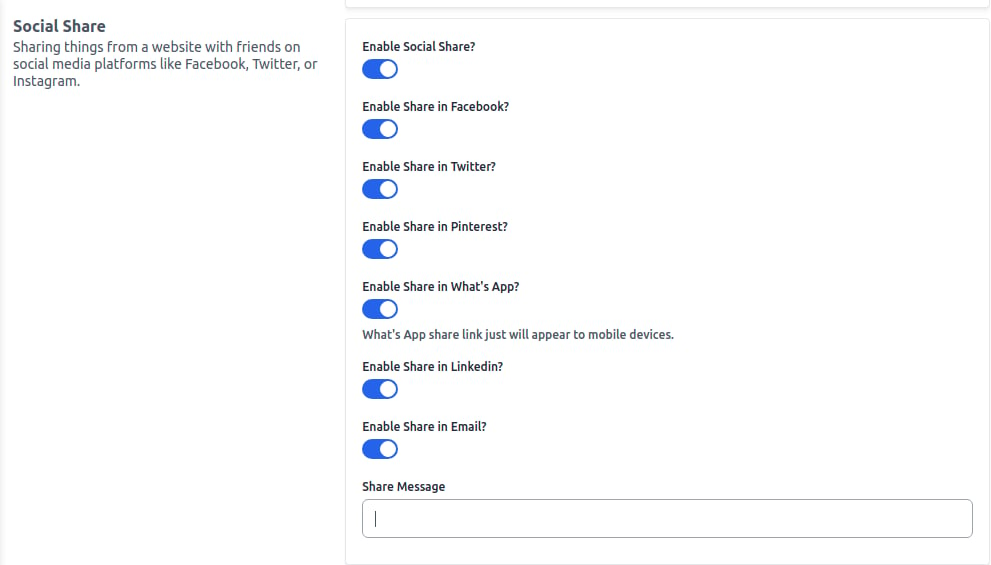
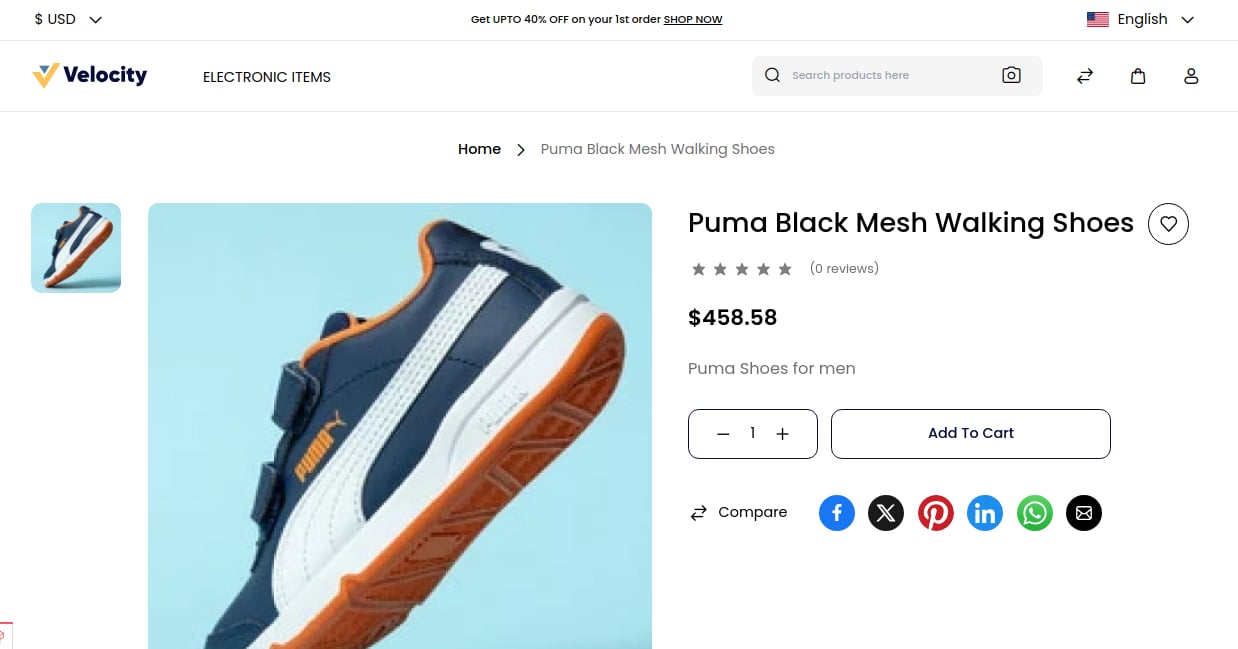
Social Share allows customers to share products or content from your website on social media platforms like Facebook, Twitter, or Instagram.