

Set Locales in Kavio Ecommerce
Here are the steps to set Locales in Kavio Ecommerce: Step 1: On the Admin panel of Kavio Ecommerce, go to Settings >> Locales >> Create Locale as shown below.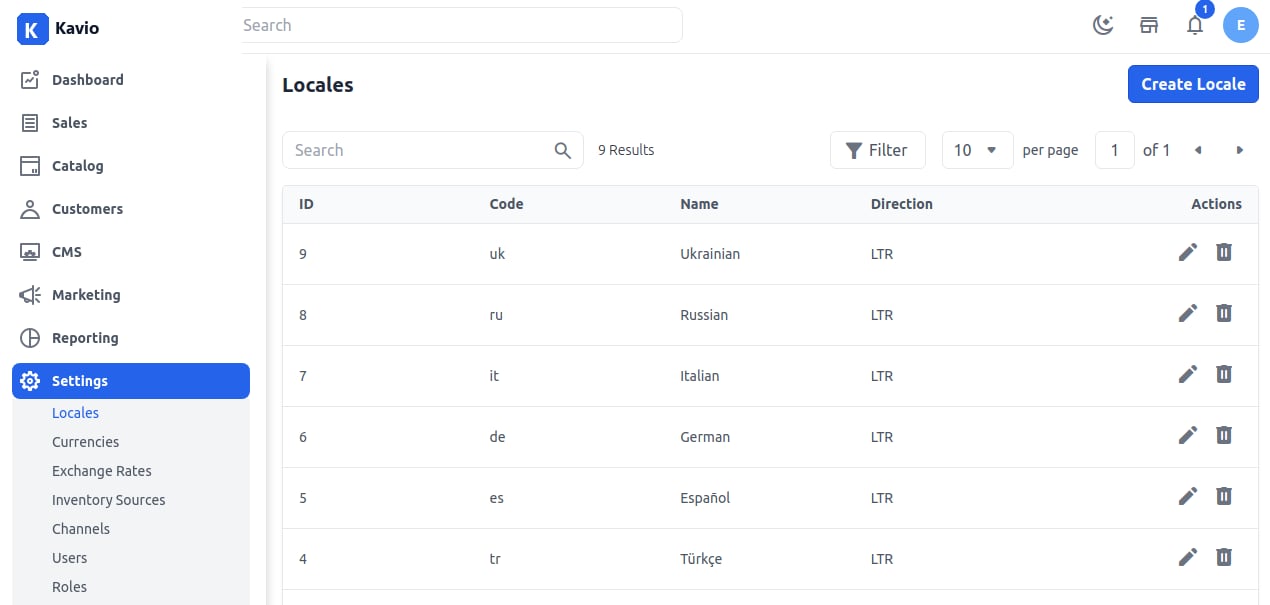
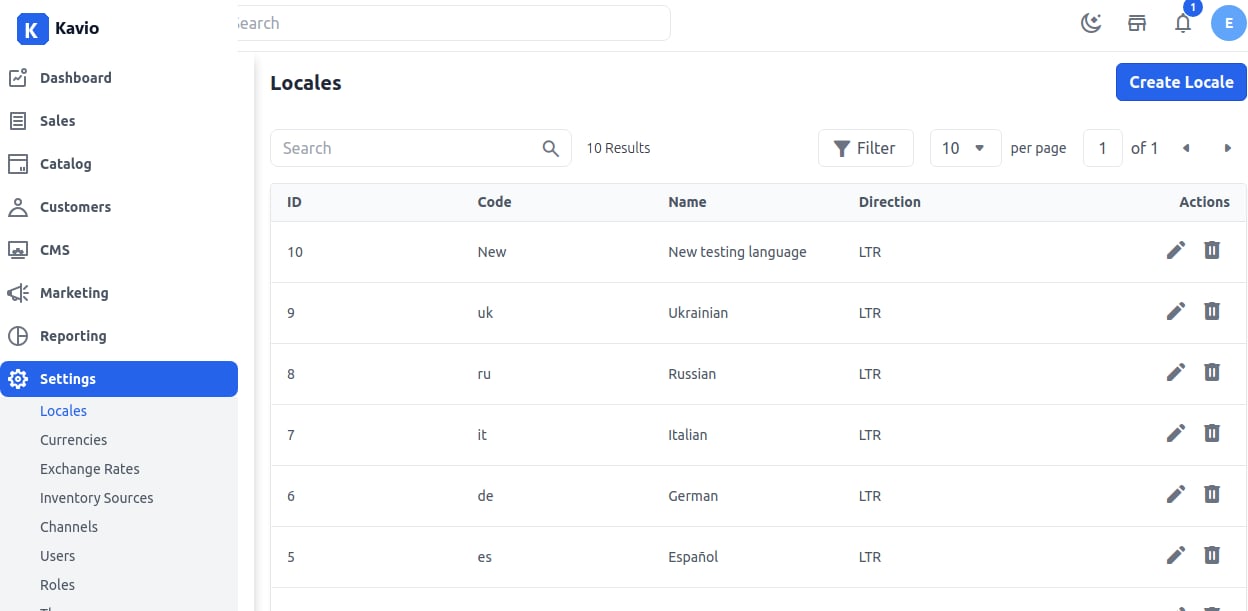
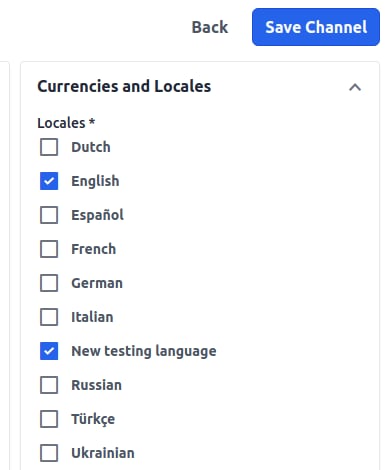
To display your website in a different language, you need to set the Locale in Kavio Ecommerce. Having more than one language for your website can improve the shopping experienc…