Create User
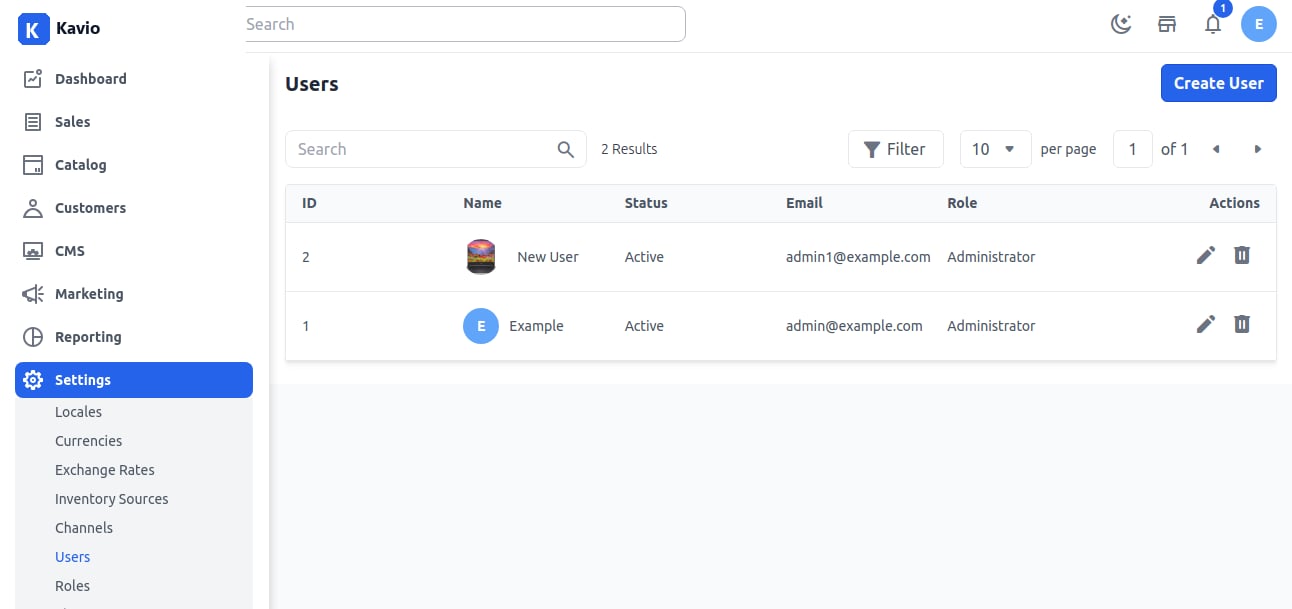
Step 1: In the admin panel, go to Settings >> Users. Click on Create User.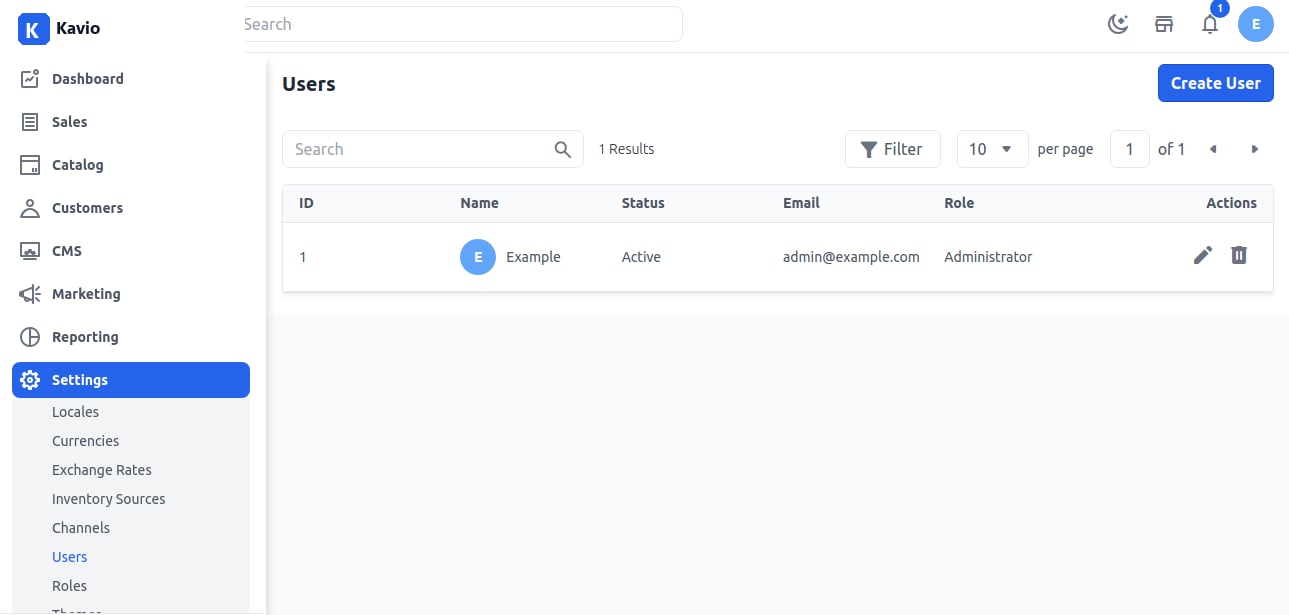
2. Email: Enter the user’s email address.
3. Password: Enter and confirm the password.
4. Role: Select a role for the user.
5. Image: Upload an image for the user. Click on Save User. Step 3: Once saved, the new User will appear in the list as shown below.