

Product attributes - Advanced
Configurable Choices
Settings refer to configurable choices that control how a system, application, or device behaves, tailored to user preferences and requirements.
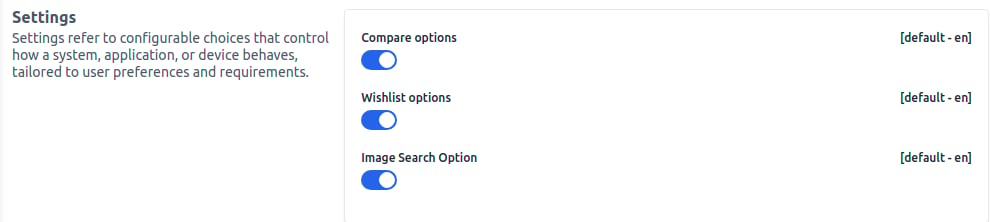
1) To add configurable choices, go to the Admin panel and navigate to Configure >> Content. Next, you will see the options below:
Compare Options - Allows you to easily compare your products.
Wishlist Option - Adds the functionality of a Wishlist.
Image Search Option - Helps to search your images.