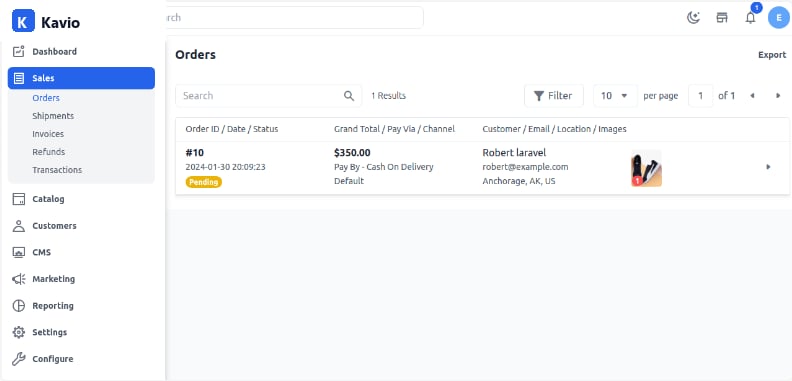
When a customer places an order from the front end, the admin panel generates the order status, from where the admin can further process the order.

How to Manage Orders in Kavio Ecommerce

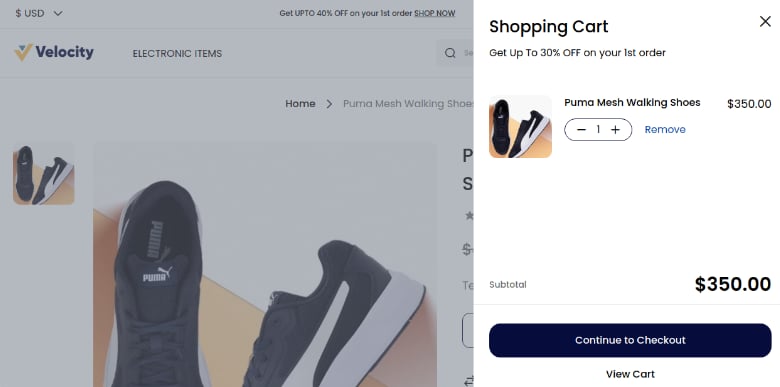
Adding Products in Cart

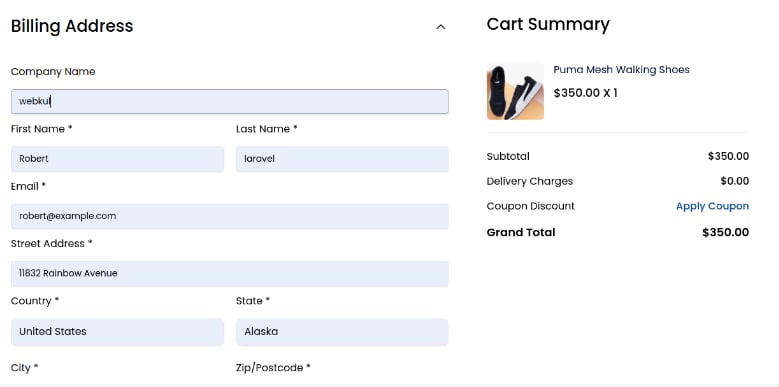
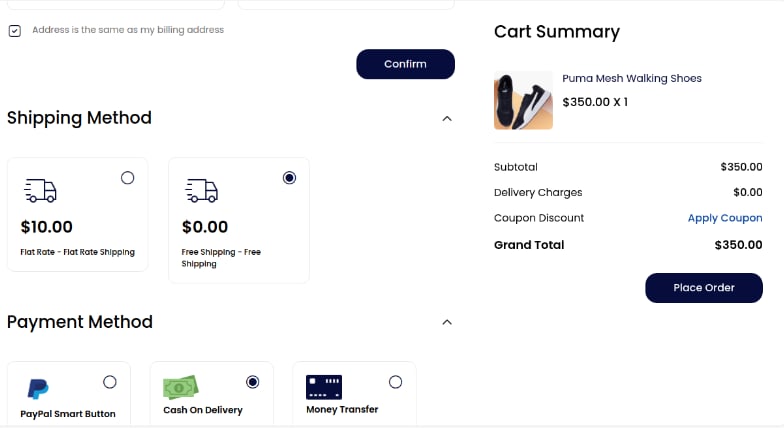
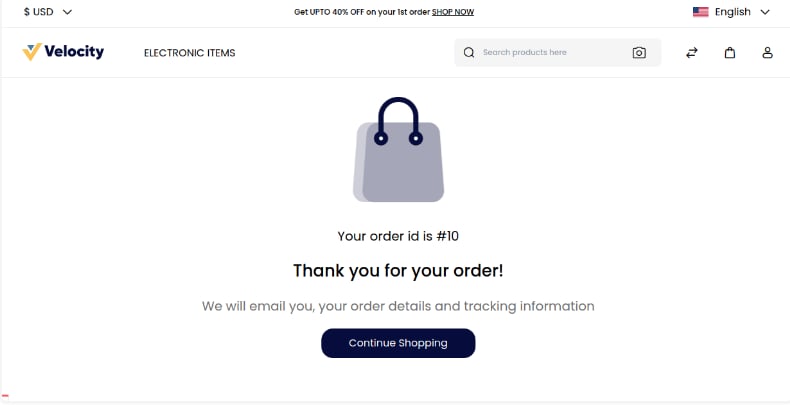
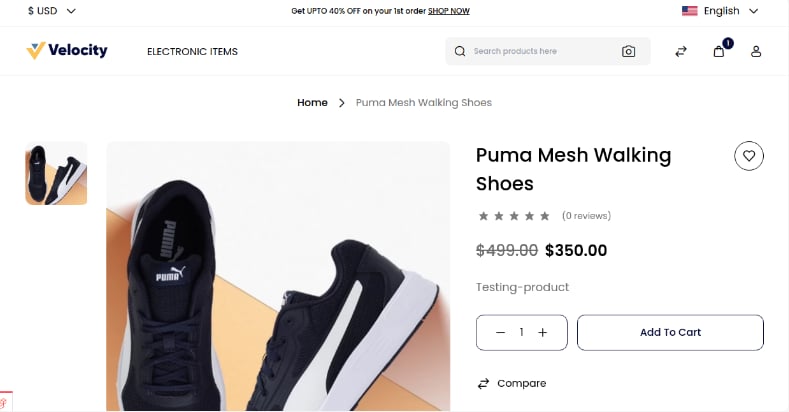
Step 1: Open the Product Detail page and Add the product to the cart. Cart Step 2: Continue to checkout inside the Shopping Cart. Shopping Cart Step 3: You will be redirected to the checkout page. Fill in the necessary information regarding the Billing Address. Billing Address Step 4: After confirming, add the Shipping Method and Payment Method, then click on Place Order. Cart Summary Step 5: After clicking on Place Order, the next page will display an Order ID. Order ID
Customer Panel

On the customer dashboard, customers can see all order history with order status. Customers can also cancel the order.

Information

On the Information Page, the admin can check customer details like name, address, quantity, etc. The admin can also cancel the order. Order Info ⚠️ Note: The cancel button will be visible only when the order status is Pending.
✅ By following these steps, you can easily create an Order in Kavio Ecommerce.