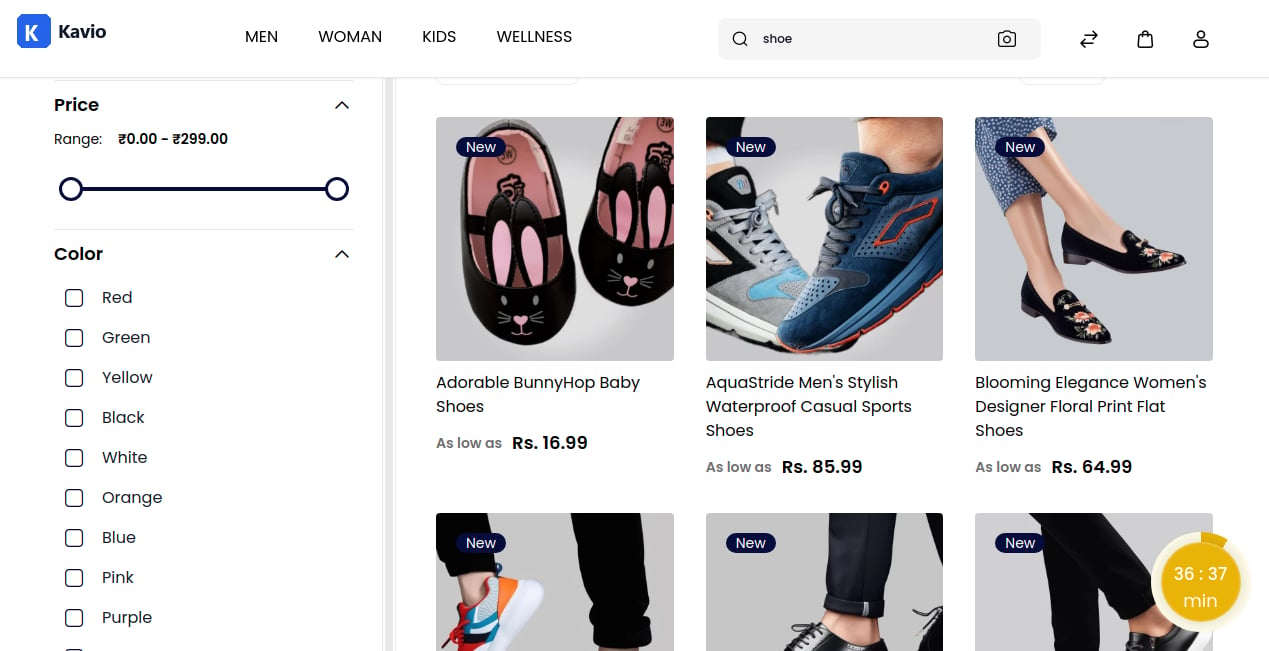
Step 1: Create Search Synonym
On the Admin panel, go to Marketing >> Search & SEO >> Search Synonyms and click on the Create Search Synonyms button as shown below.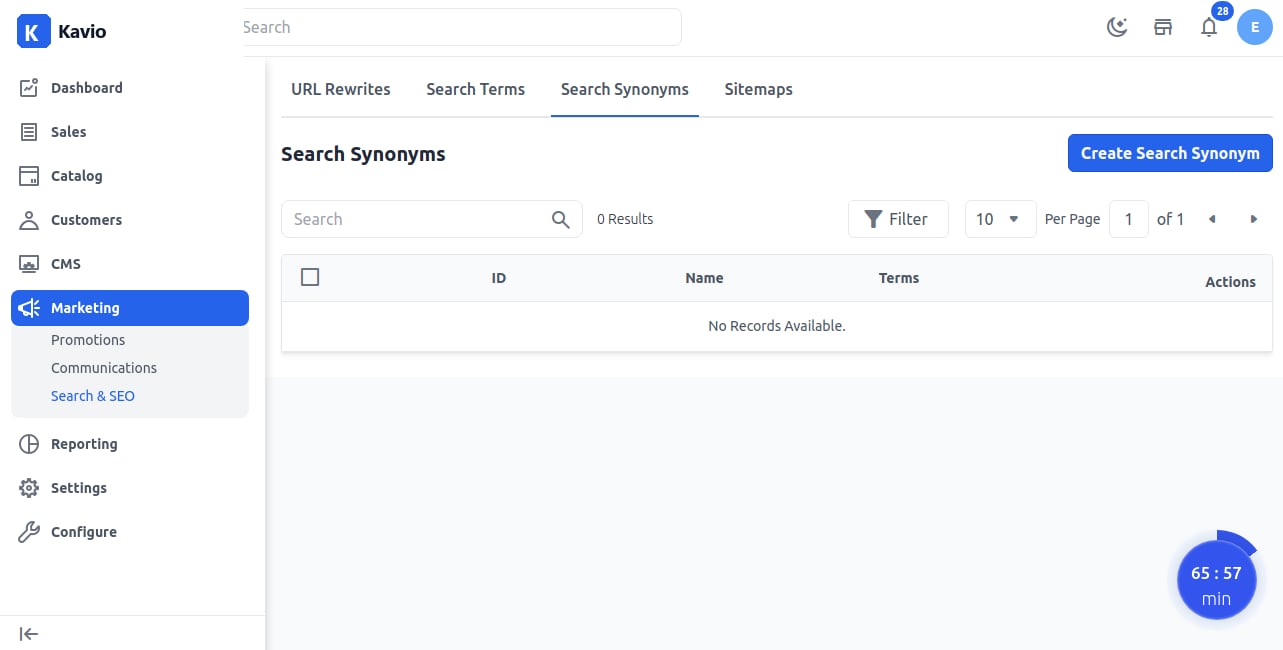
Step 2: Enter Synonym Details
Fill in the following fields:- Name – Enter the main synonym word.
- Terms – Add the related terms that belong to the synonym name.
Step 3: Verify Synonym
A new synonym field (for example, shoe) is created successfully as shown below.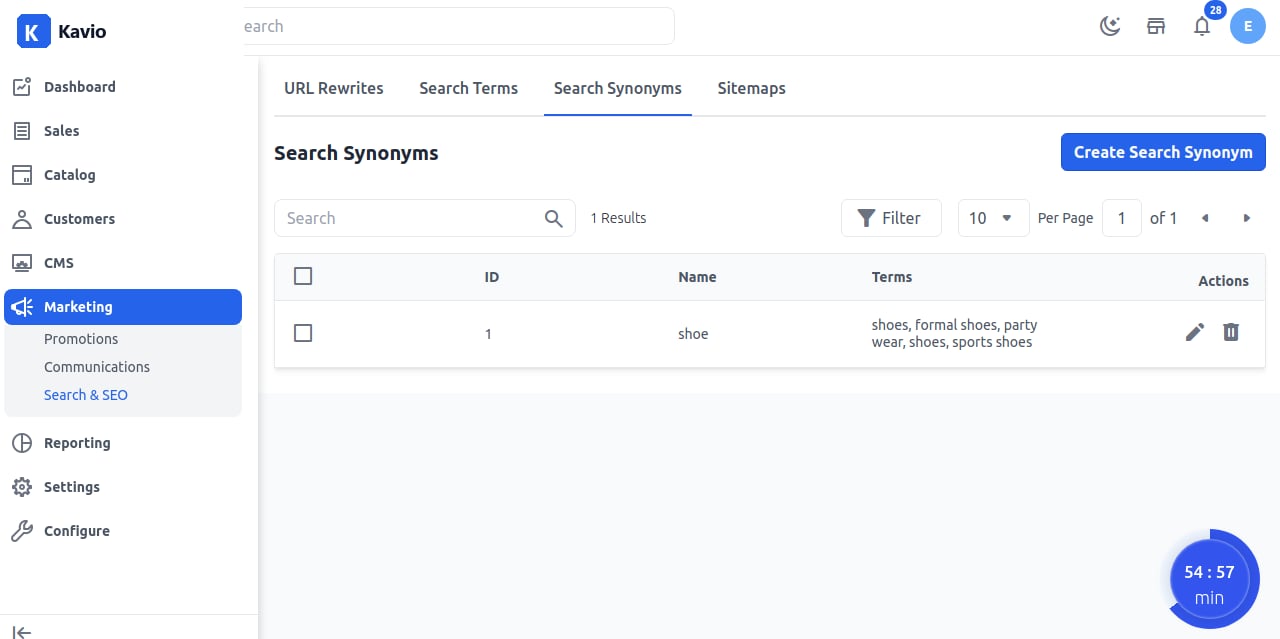
Step 4: Frontend
Now test the result by searching your synonym. It will display all related categories of the synonym (e.g., shoes) as shown below.