

Create Roles
Step 1: In the admin panel, go to Settings >> Roles. Click on Create Role.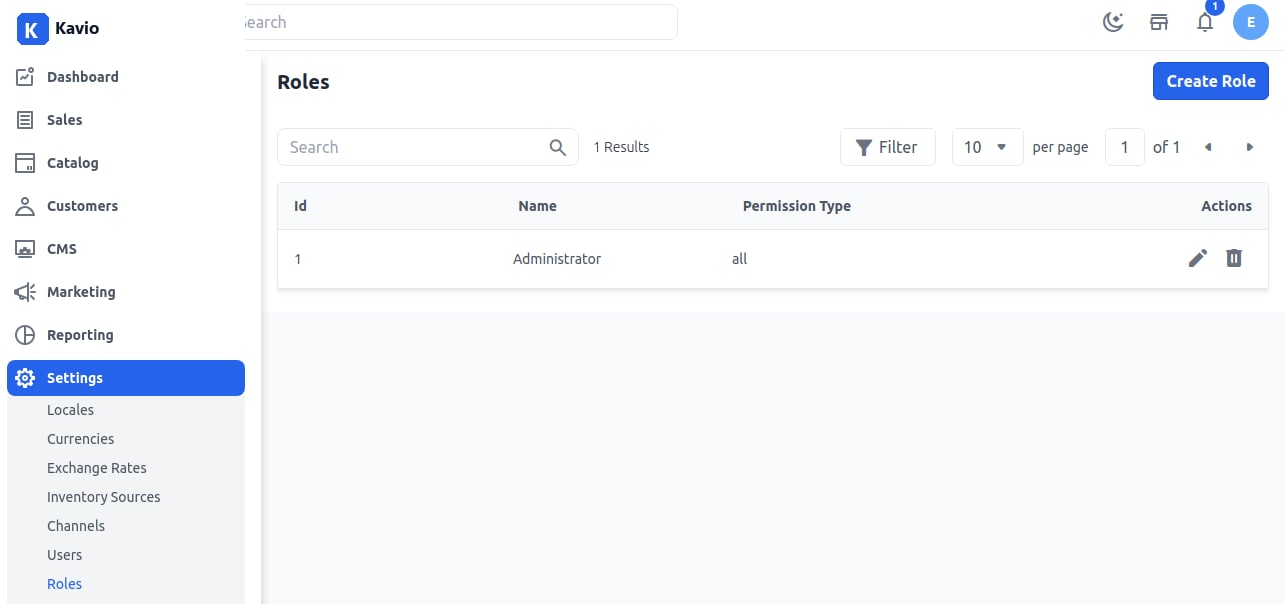
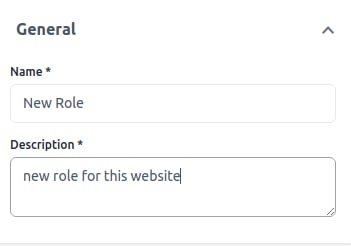
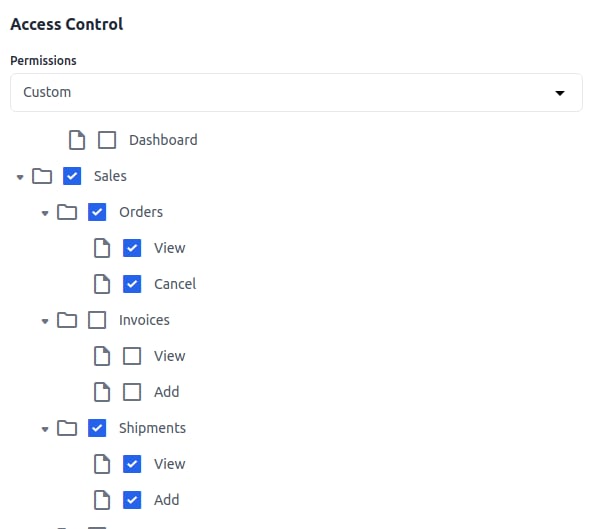
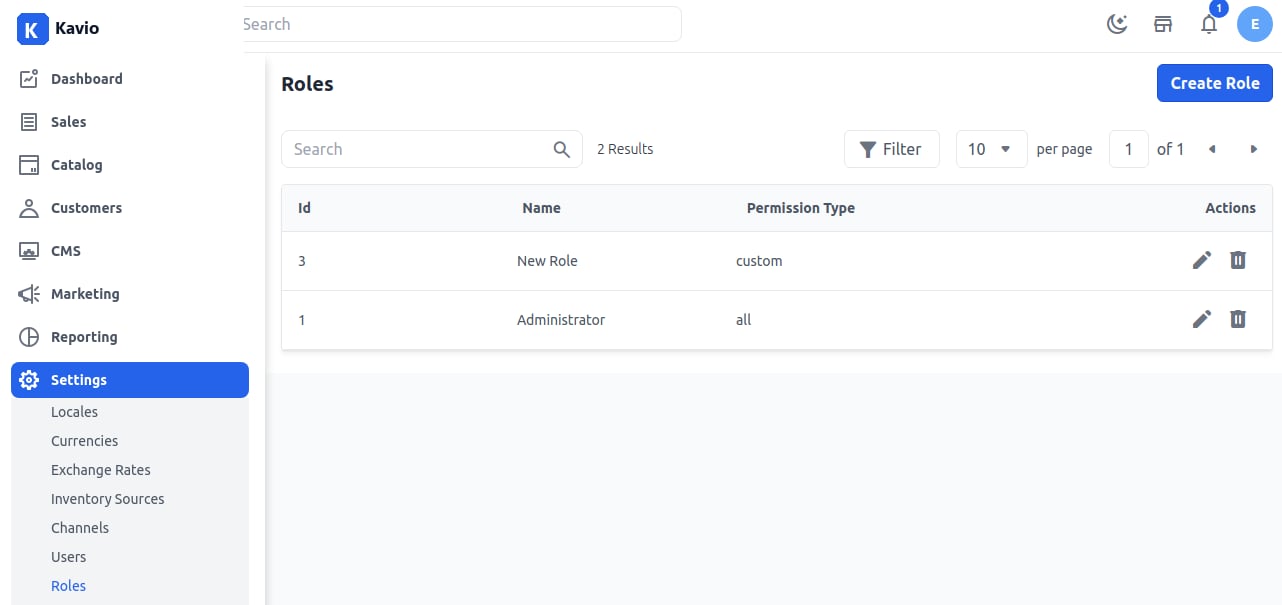
Roles in Kavio Ecommerce allow the store owner to create users and assign permissions. This helps manage access levels for different users. Here’s how to create an admin ACL rol…