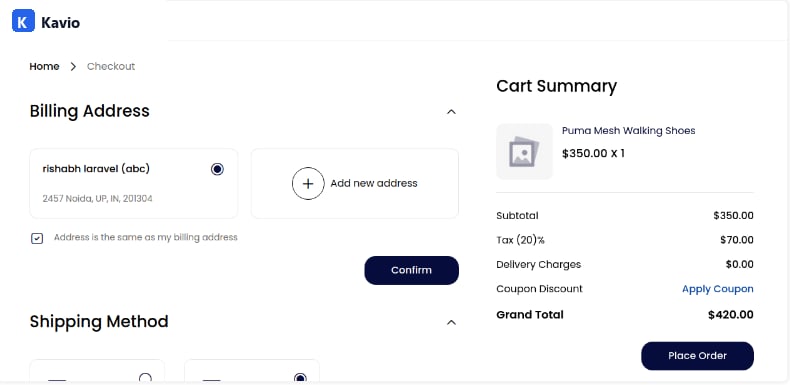
Tax Rate
Step 1: In the admin panel, go to Settings >> Taxes >> Tax Rates >> Create Tax Rate.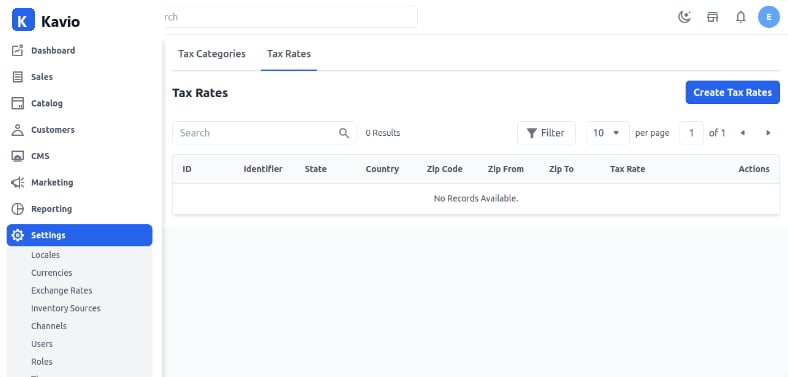
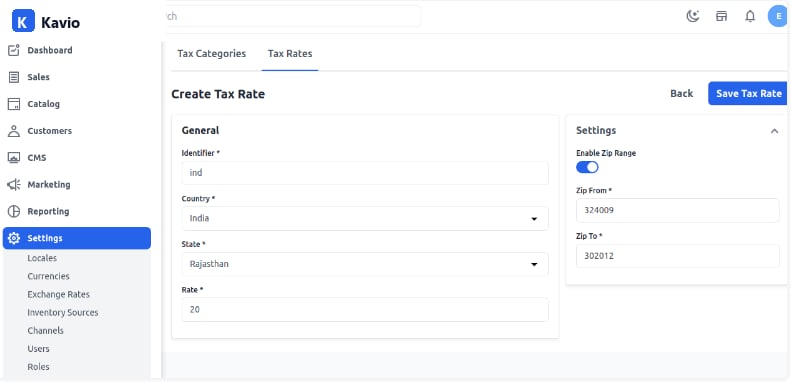
- Identifier
- Country
- State
- Zip Code
- Tax Rate
Tax Categories
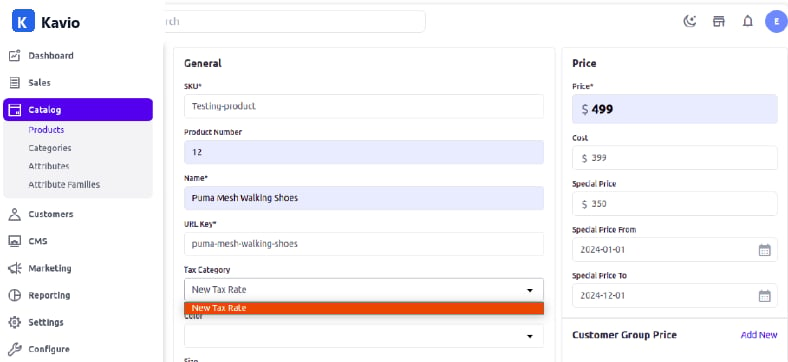
Step 1: To create a Tax Category, go to Tax Categories.Add the Fields
- Code: Enter a unique code for the tax category.
- Name: Enter the name of the tax category.
- Description: Enter a description.
- Tax Rate: Assign the tax rate.
Frontend
Enter the billing address or sign in to your account and click Continue. Select the Shipping and Payment methods and click Continue.