Step 1:
Add New Email Template On the Admin panel, go to Marketing >> Communications >> Email Templates and click on Create Template as shown in the below image.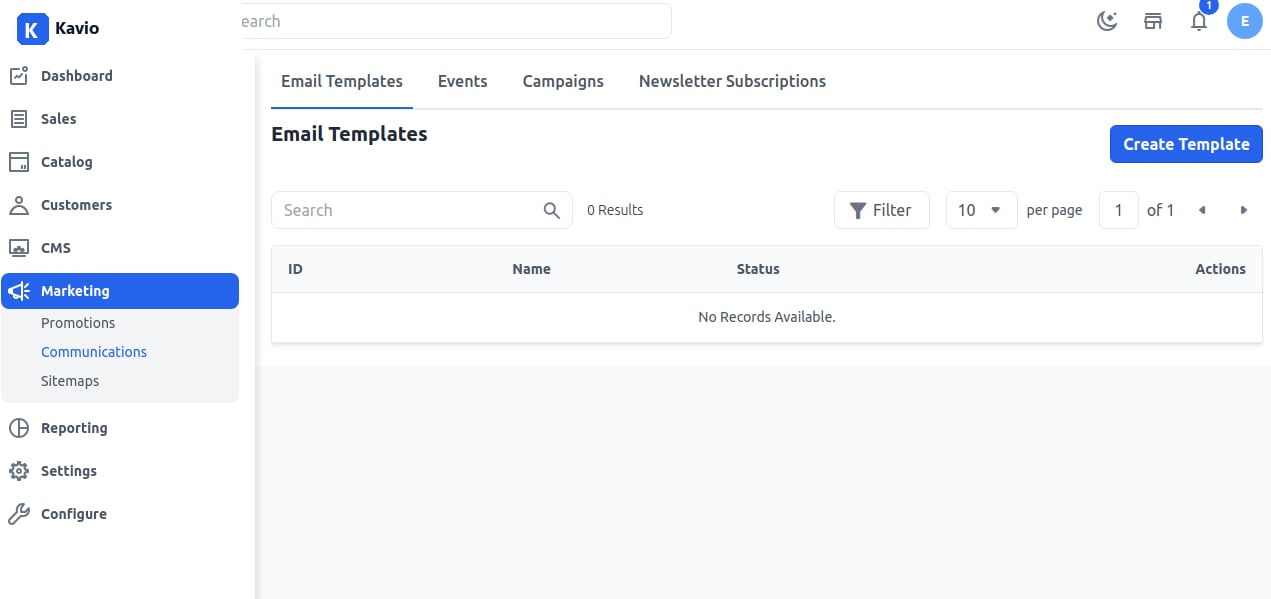
Step 2:
Add Name and Status as Active, Inactive, or Draft of the Email Template as shown in the below image.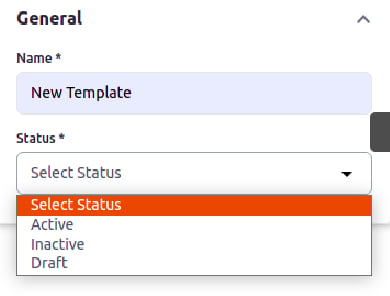
Step 3:
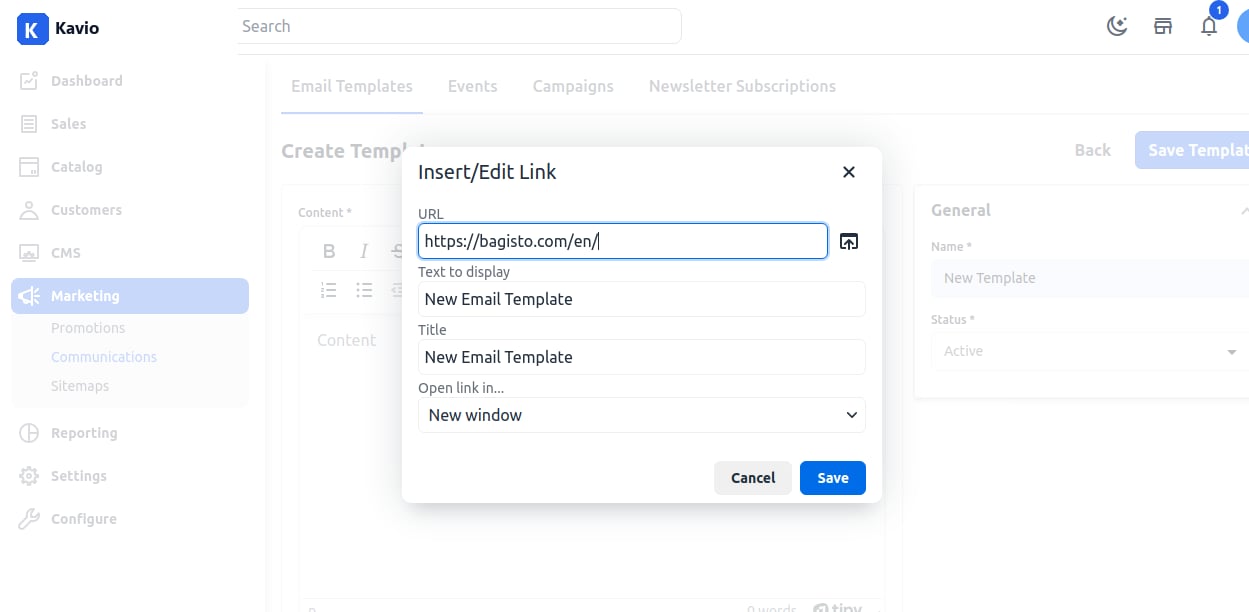
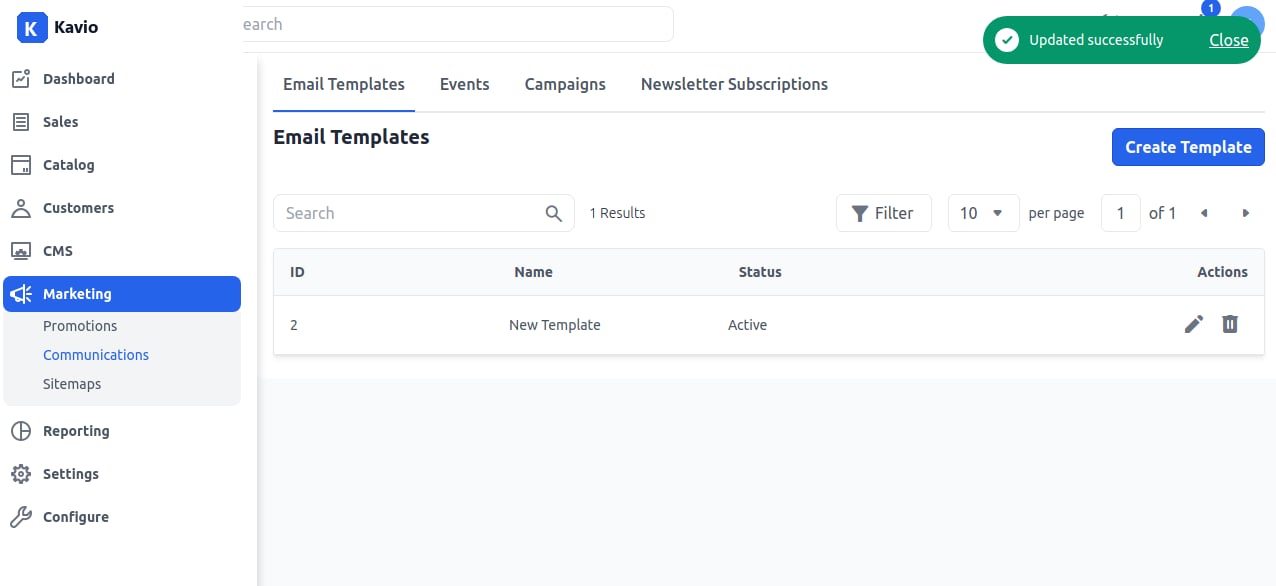
Add the content by simply copying and pasting. You can also apply a link after right-clicking on the content and add the URL, Text to display, Title, Open Link in as shown in the below image.