

Steps to add Bulk Import in Kavio Ecommerce
Step 1: Go to the Admin panel of Kavio Ecommerce click on Settings >> Data Transfer and click on Create Import button.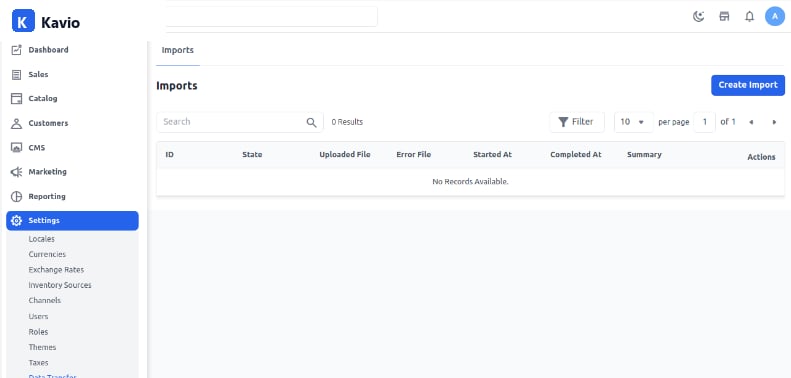
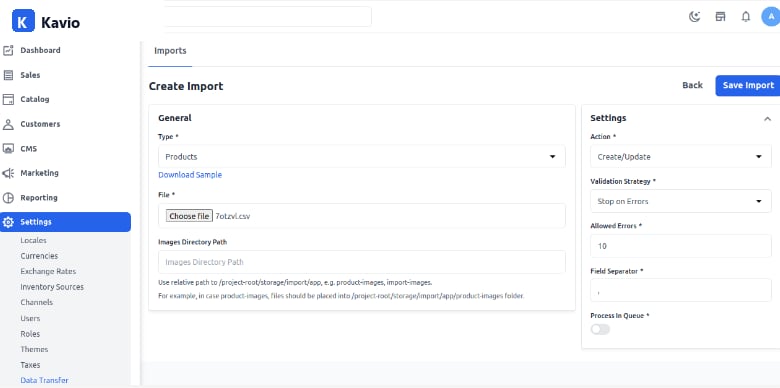
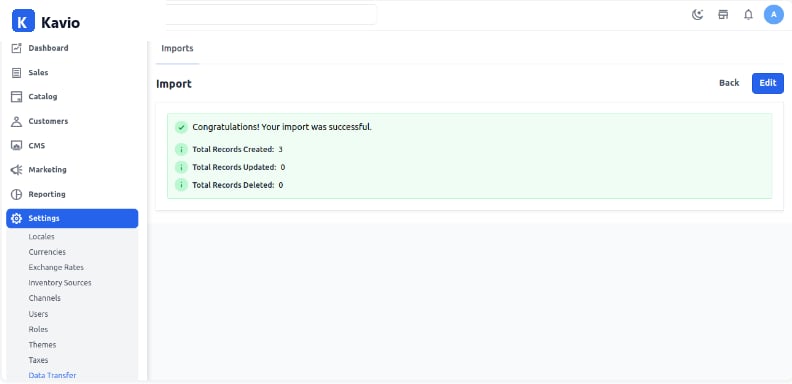
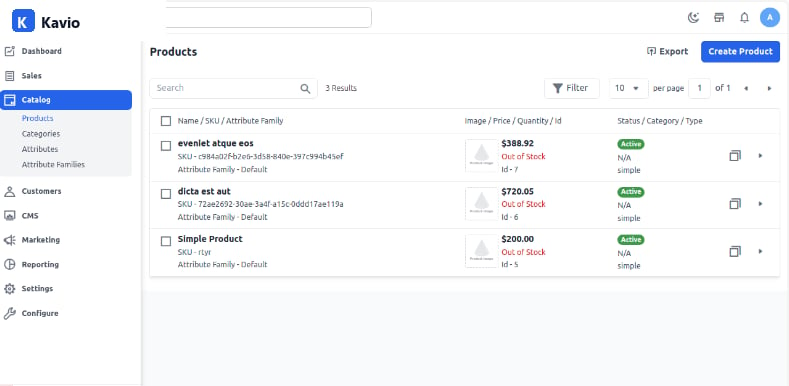
Bulk import is a feature that allows users to import large quantities of data into a system quickly and efficiently.