Customers generally create their own accounts in their shop. However, you can also create customer accounts directly from the administrator, which is useful for helping customers on the phone.

To create a Customer from the Admin Panel follow the below steps:

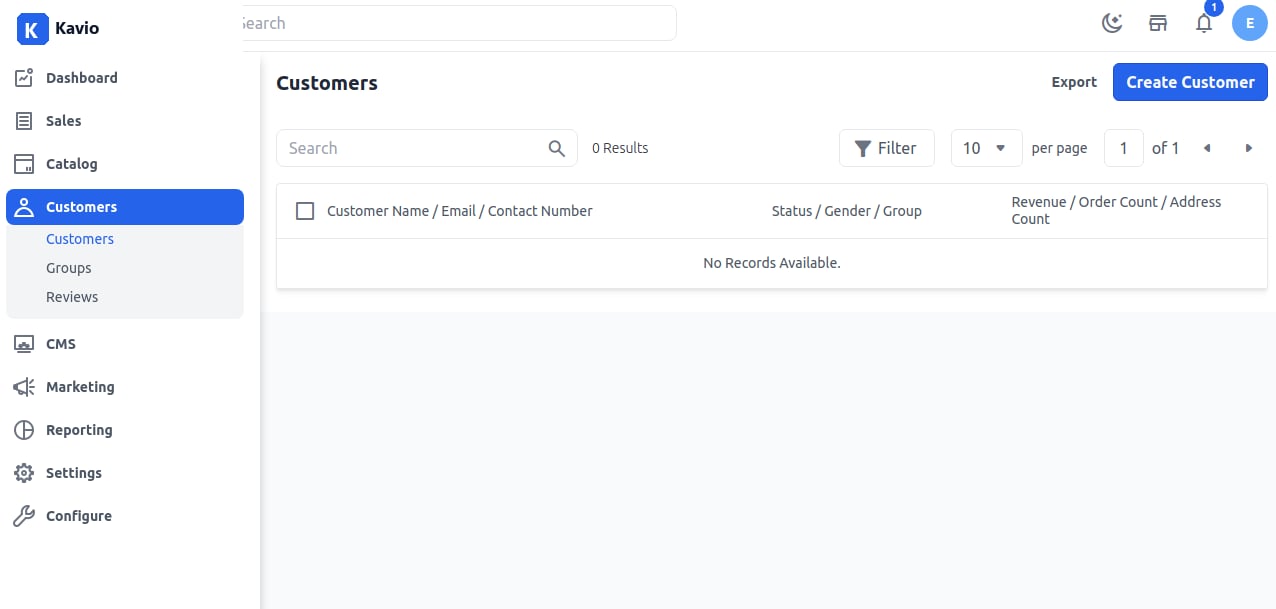
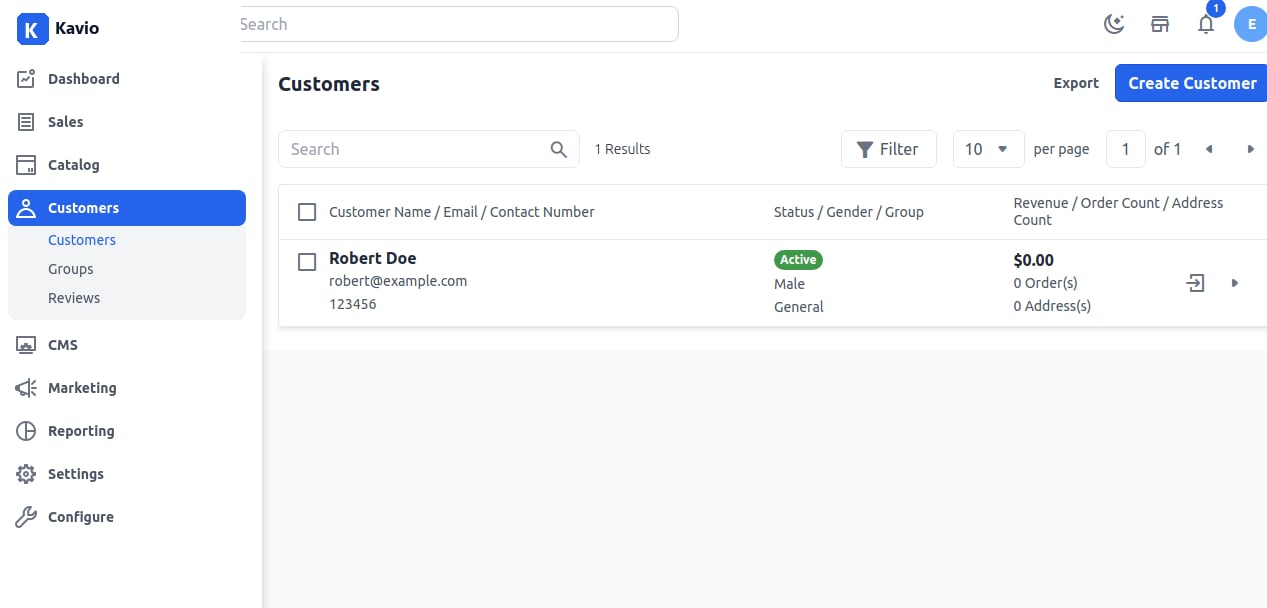
Step 1: Login to admin panel of Kavio Ecommerce and go to Customers >> Customers then click on the Create Customer button. Customer Step 2: Next you will get a form to create a customer. Fill in the necessary fields to create a customer as shown in the below image. Step 3: Now you will be able to see the new customer is registered successfully. Customer Grid So by the above steps, you can easily create a customer from the admin panel in Kavio Ecommerce.