

Small Image
Set the Height and Width for small images.Medium Image
Set the Height and Width for medium images.Large Image
Set the Height and Width for large images.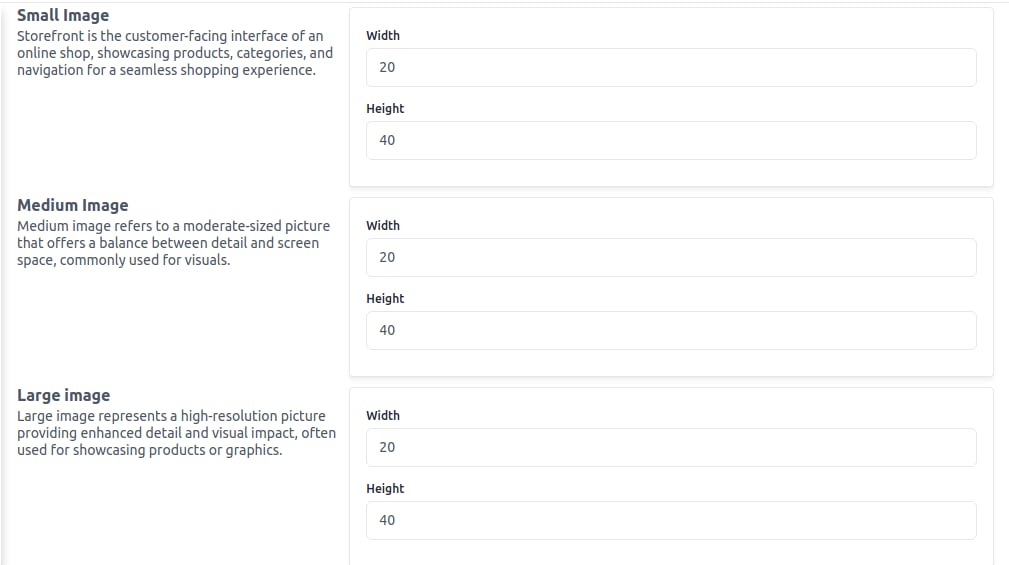
The storefront is the customer-facing interface of an online shop, showcasing products, categories, and navigation for a seamless shopping experience.