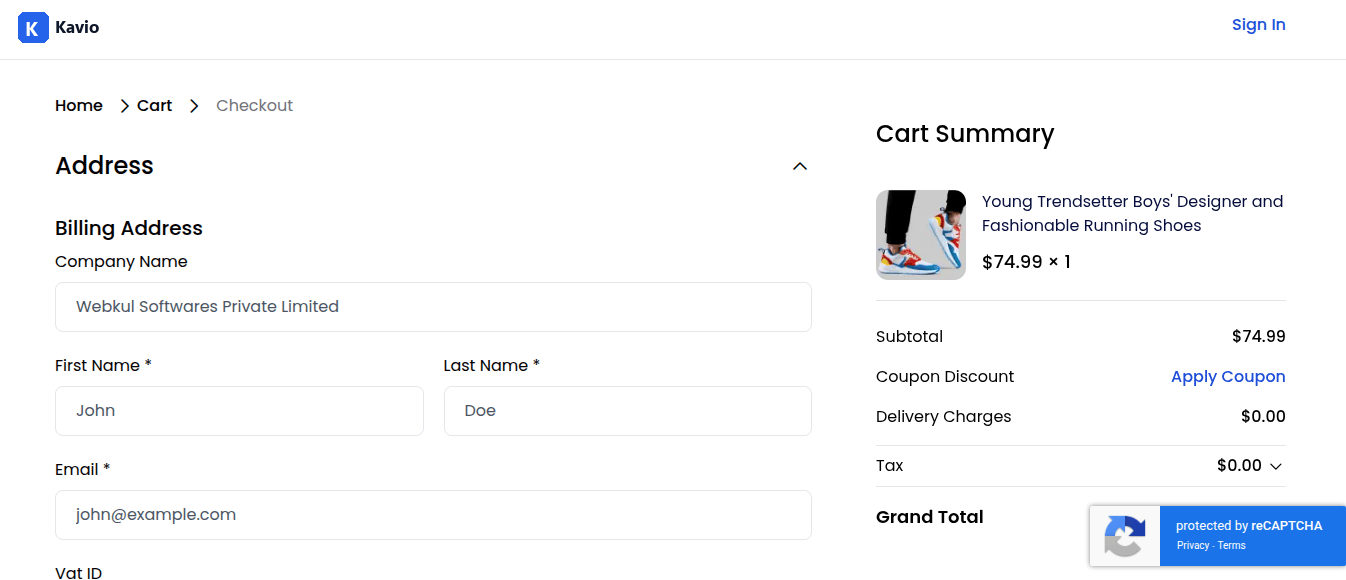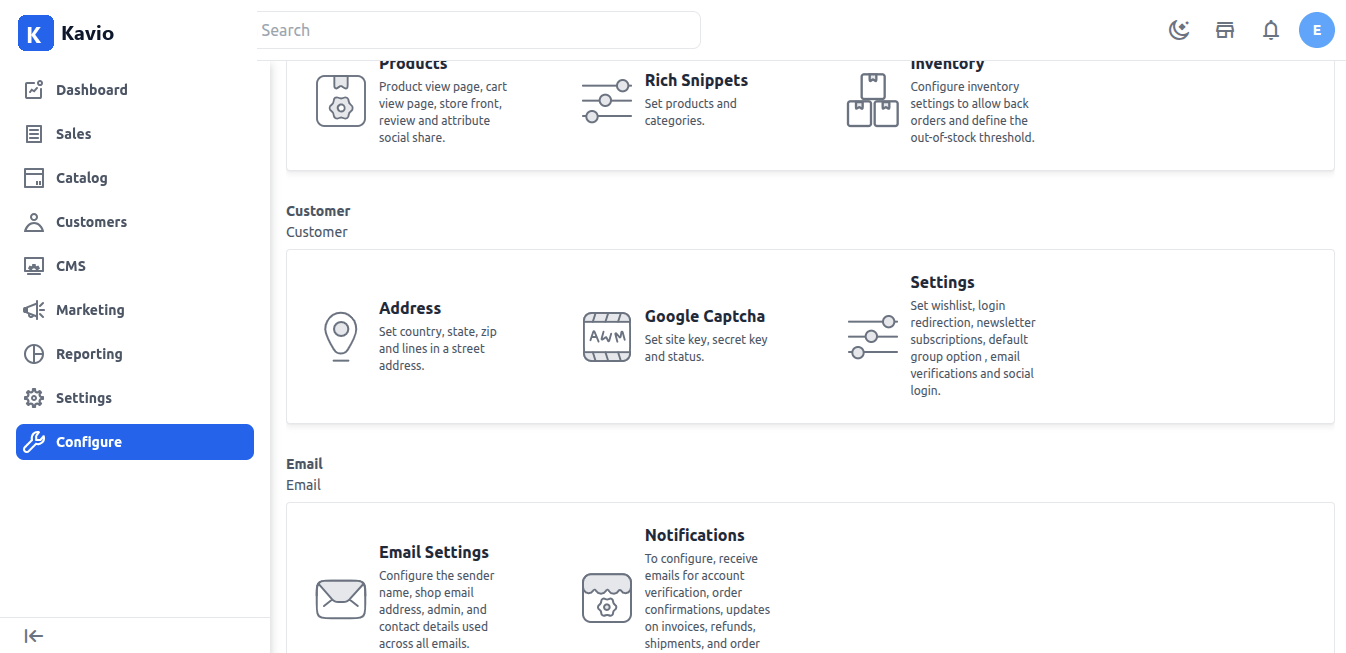
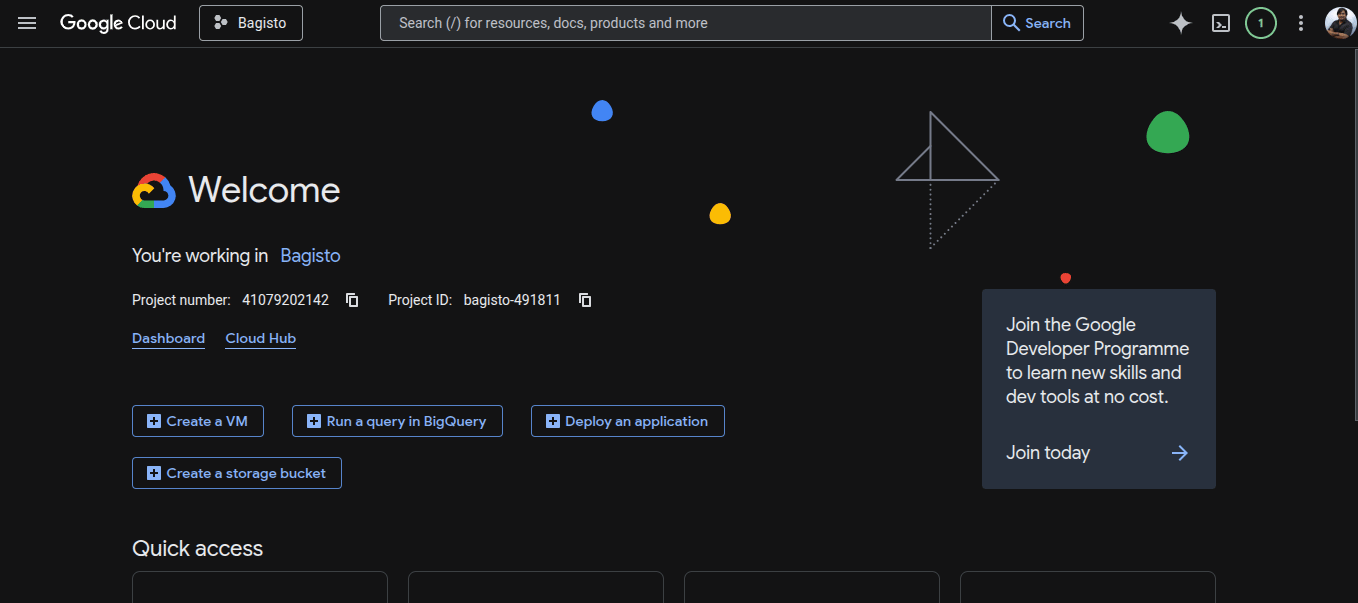
To Obtain Google Cloud Project ID:
- Visit Google Cloud Console
- Create a new project or select an existing one from the project dropdown.
- Note your Project ID from the project dashboard (not the project name).
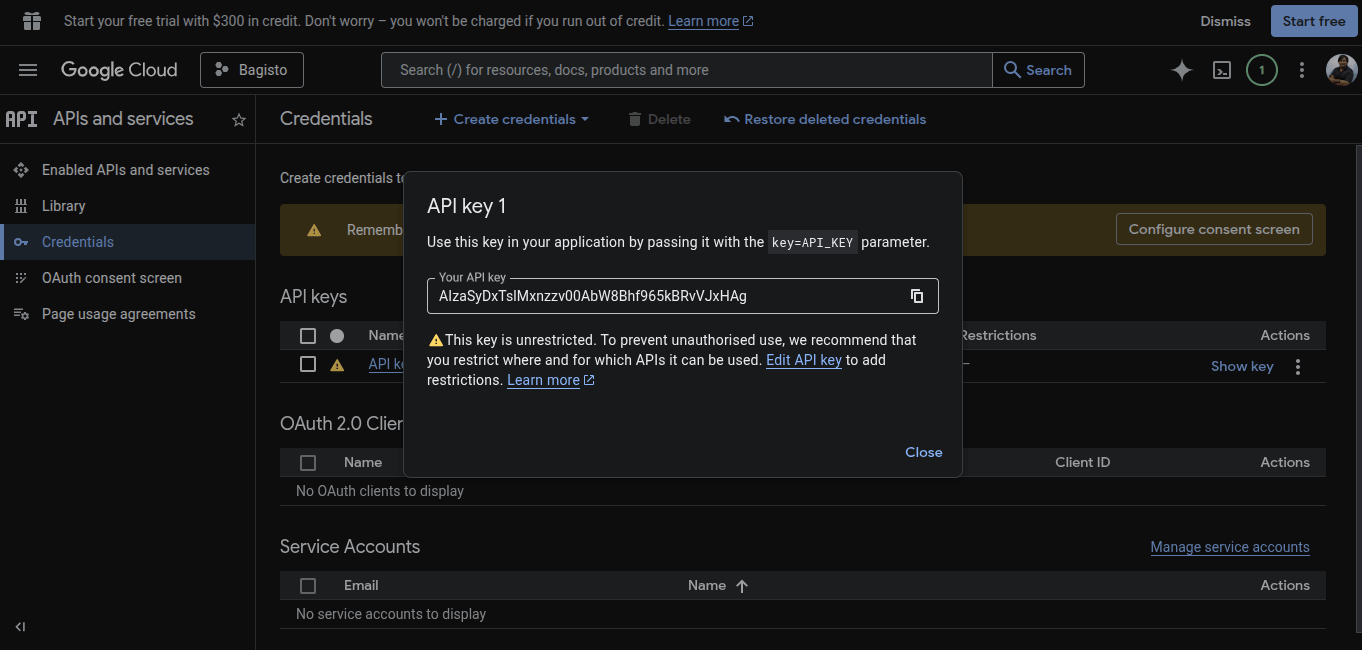
Generate API Key:
- In Google Cloud Console, navigate to APIs & Services → Credentials.
- Click Create Credentials → API Key.
- Now copy the generated API key.
Create reCAPTCHA Site Key:
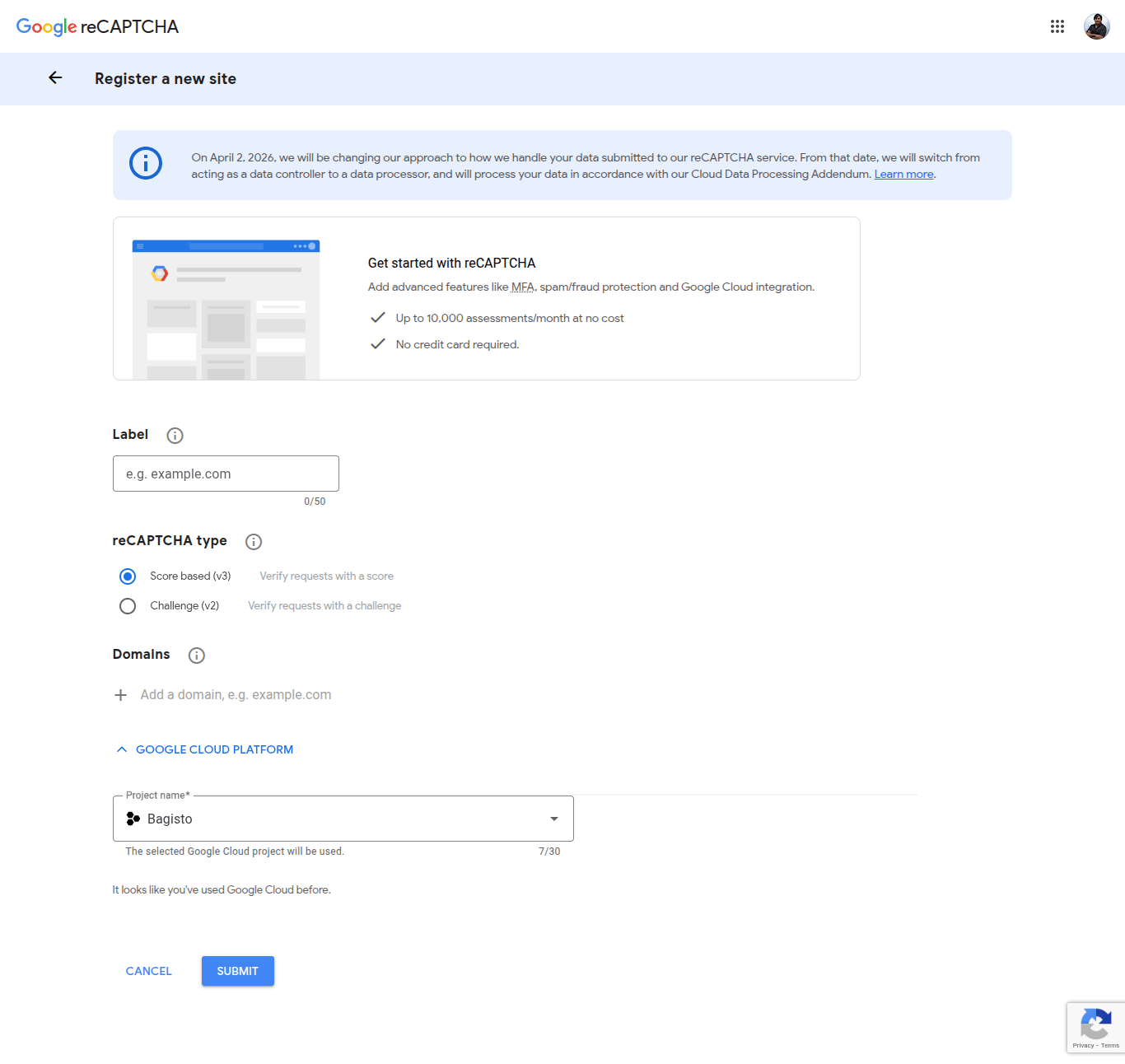
- Navigate to Security → reCAPTCHA in Google Cloud Console.
- Click Create Key.
- Enter a display name for your key.
- Select Website as the platform type.
- Choose Score-based (reCAPTCHA v3) as the reCAPTCHA type.
- Add your domain(s) in the Domains section (e.g., example.com).
- Click Create and copy the generated site key.
- Customer Sign In
- Customer Sign Up
- Contact Us Page
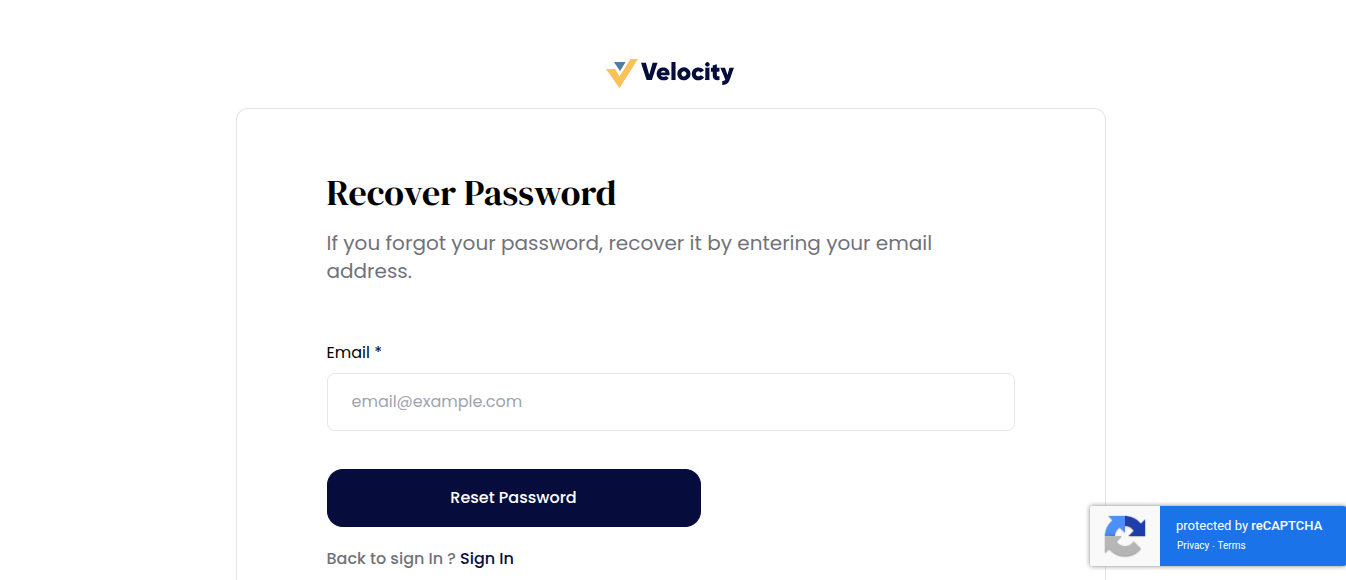
- Forgot Password
- Checkout Sign In
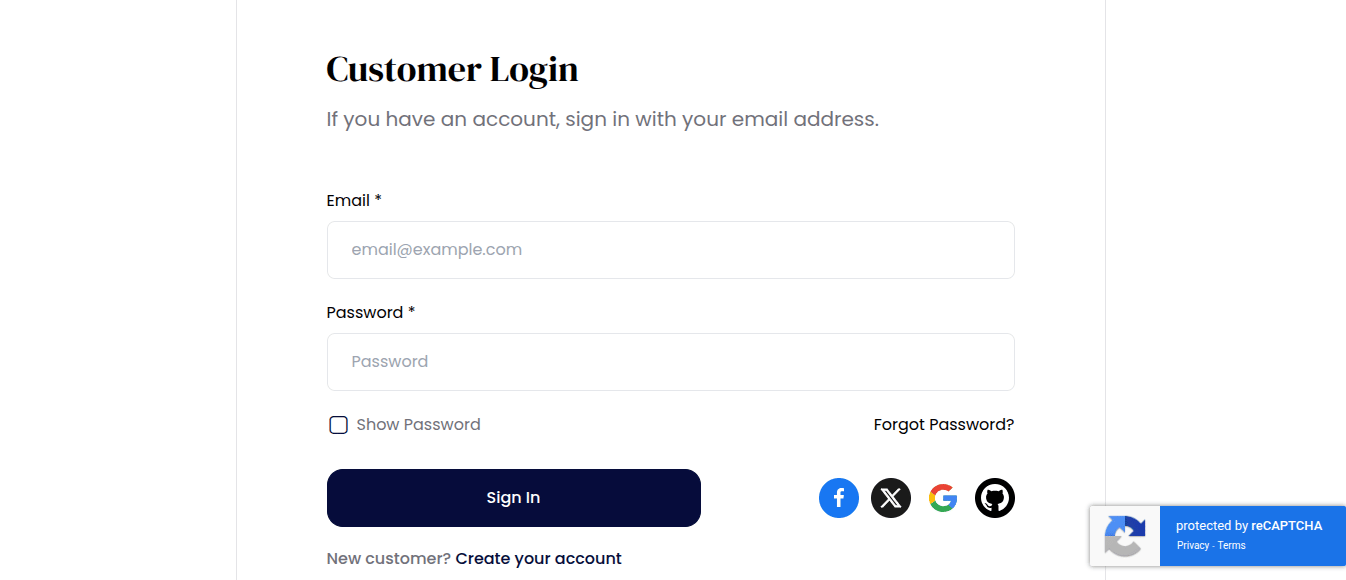
Customer Sign In
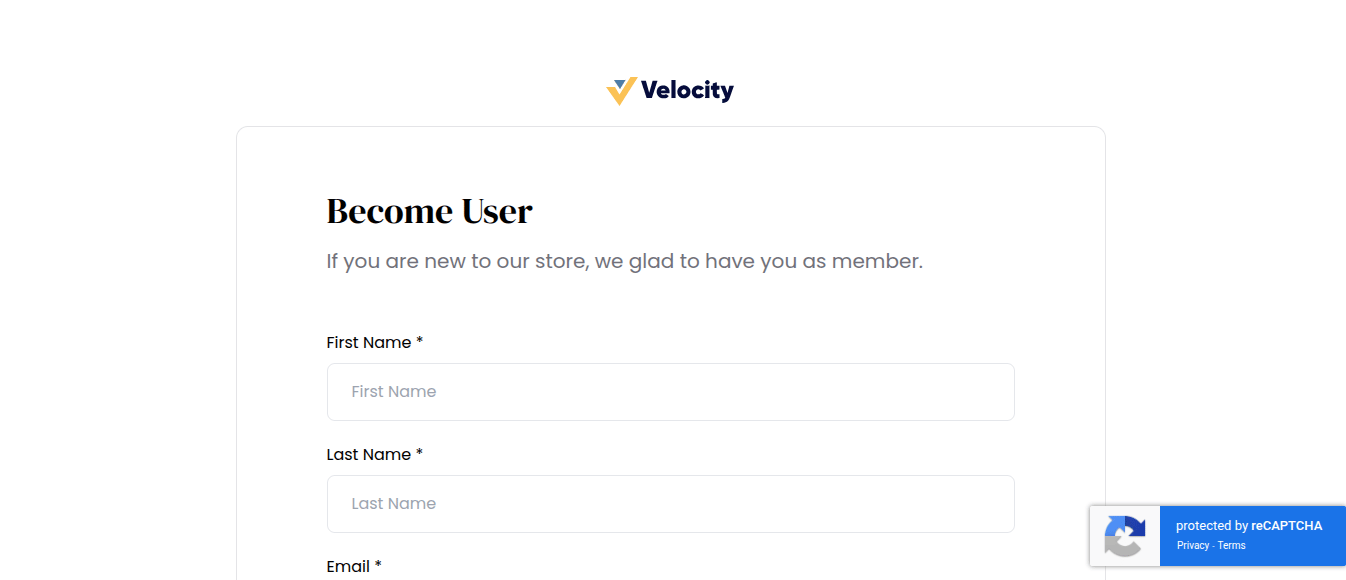
Customer Sign Up
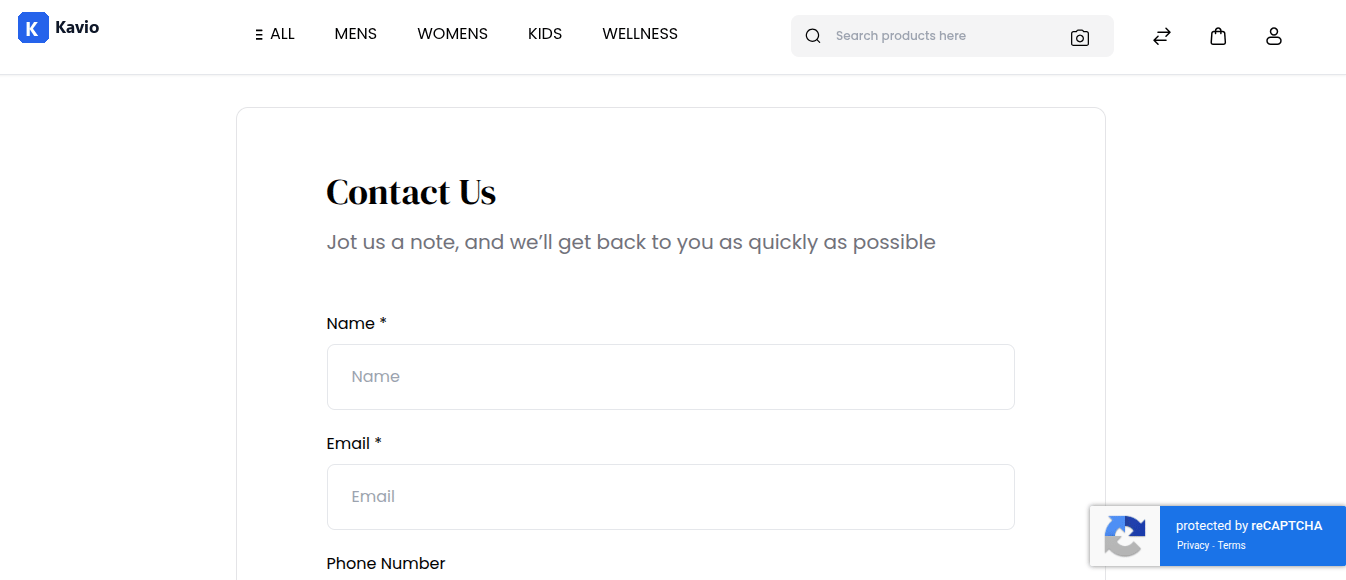
Contact Us Page
Recover Password
Checkout Sign In