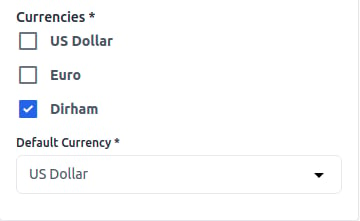
Add Currency in Kavio Ecommerce
Step 1: On the Admin panel of Kavio Ecommerce, go to Settings >> Currencies >> Create Currency as shown in the image below.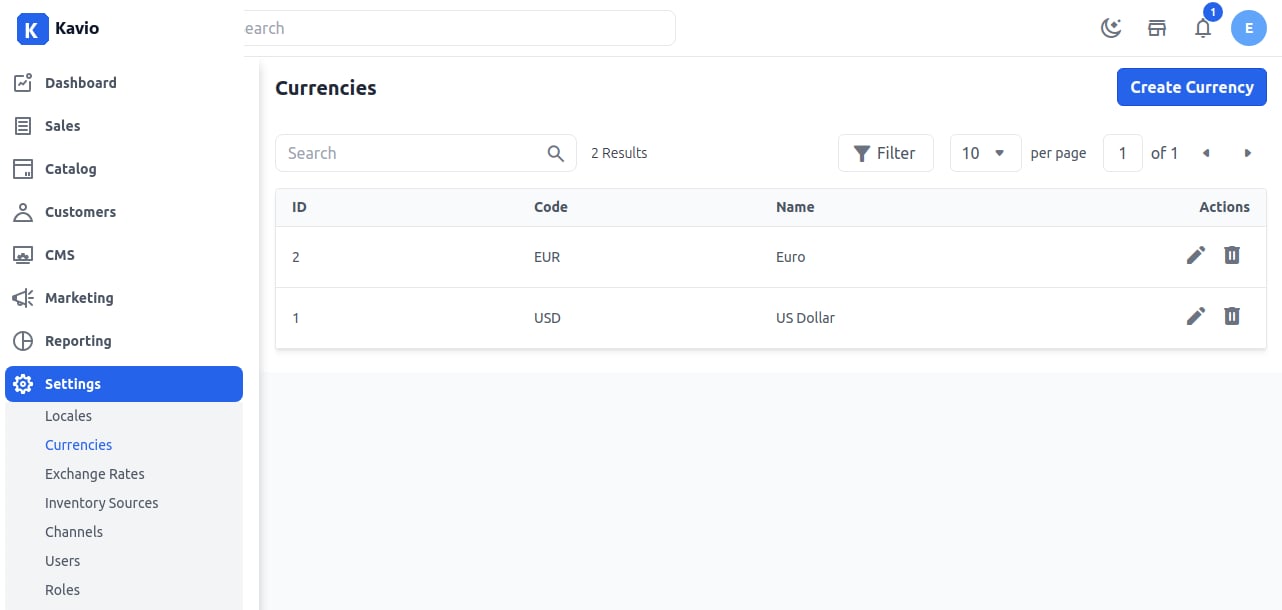
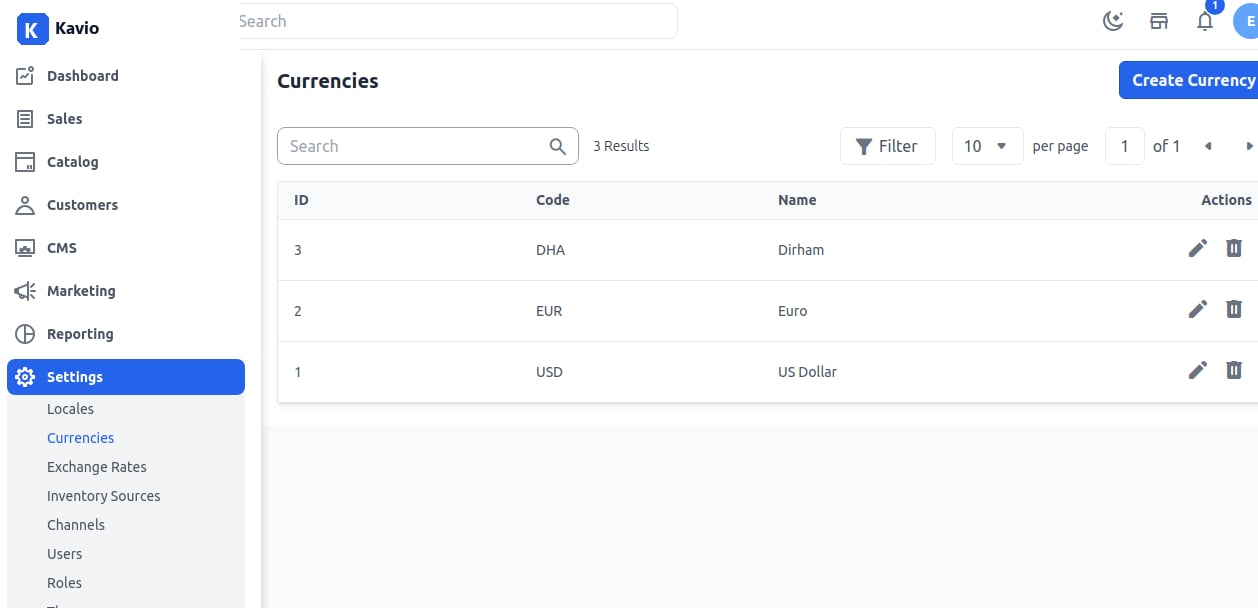
Channel Setting for Currency
On the Admin panel, open Settings >> Channels. You will see the Currency section and your new currency right there. Once the channel setting has been done, click on Save Channel as shown in the image below.